
Company
Year
My role
Prototype
Platform
Overview
About Lili
Problems
Based on research and user interviews, I discovered that the design of our login had 2 major issues that impacted customer acquisition and building trust with existing customers.
Unclear
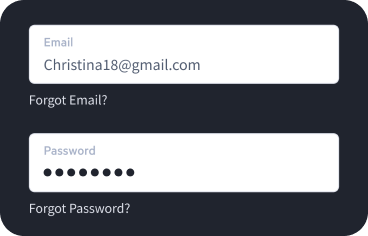
In our previous design, these options were not prominently displayed and were often difficult to find. Users also reported that the process for completing these actions was unclear, lengthy and in some cases, could not be completed
within the app.
requiring them to contact customer service.
This resulted in a 5% churn month-over-month.
Inconsistent
different app.
Inconsistencies in the user interface can lead to a lack of trust, which is a crucial factor for a banking service. It is imperative that users trust our service in order to use it effectively.
Opportunity
Enhancing my super powers the user experience and elevating the visual design of our user interface to
the next level
My perspective
My primary objective was to enhance the experience for our users when logging into our app.
This included aligning with industry standards, simplifying the design, and improving the visual design of the login screen to match the overall aesthetic of our app.
Furthermore, I aimed to simplify and streamline the process of resetting passwords and recovering email addresses, which were previously too complex, lengthy, and unclear, and sometimes could not be resolved within the app, resulting in users having to contact customer support. This led to frustration for users and added workload for our customer support team.
To achieve this, I conducted research which included analyzing competitors and conducting user interviews.
The final design
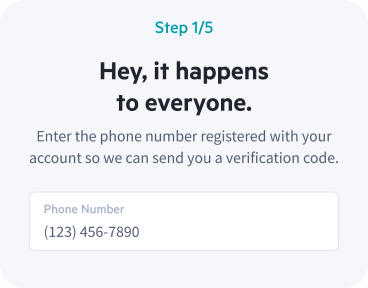
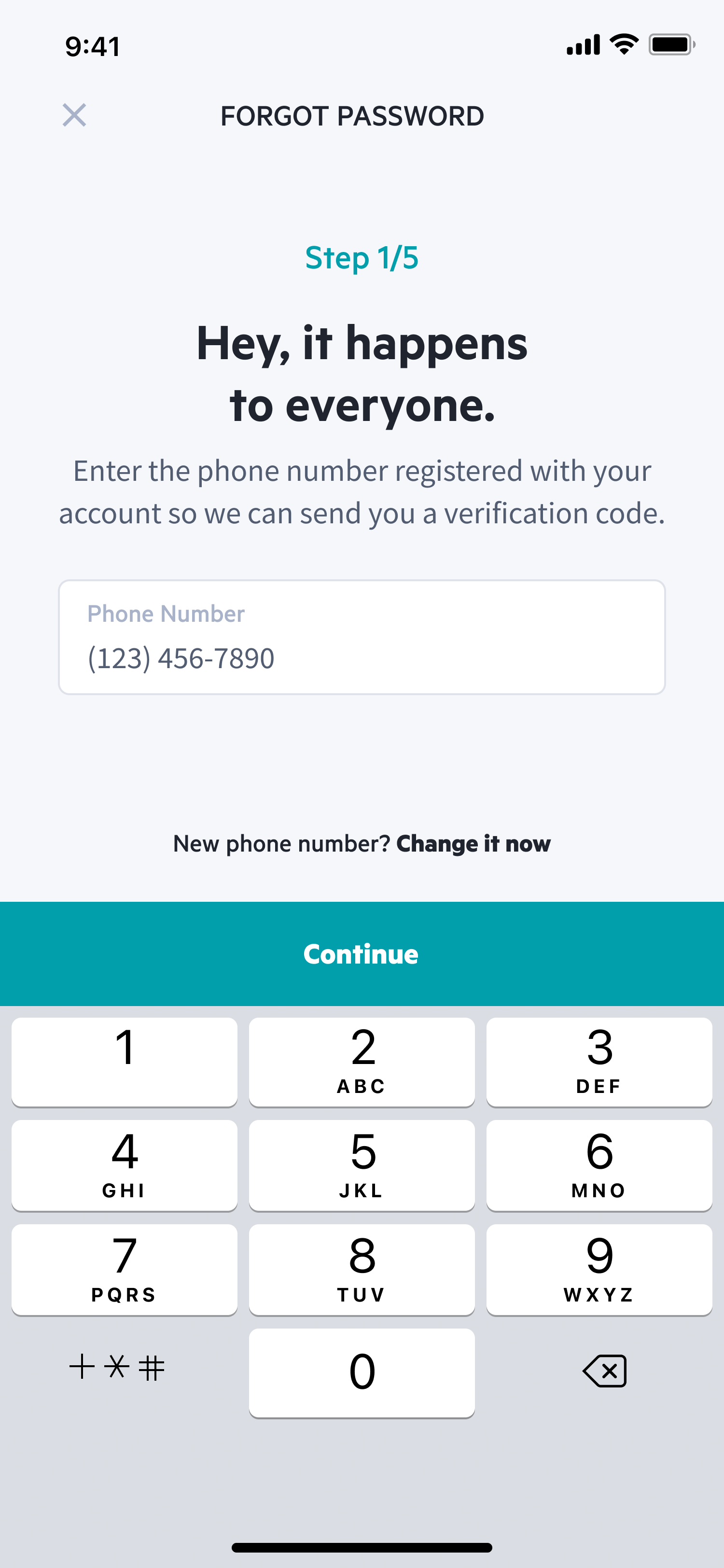
Forgot Password
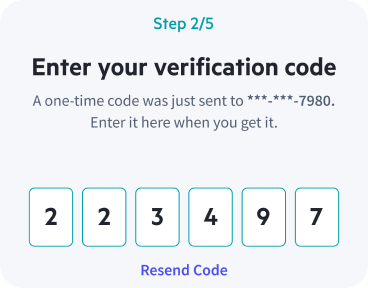
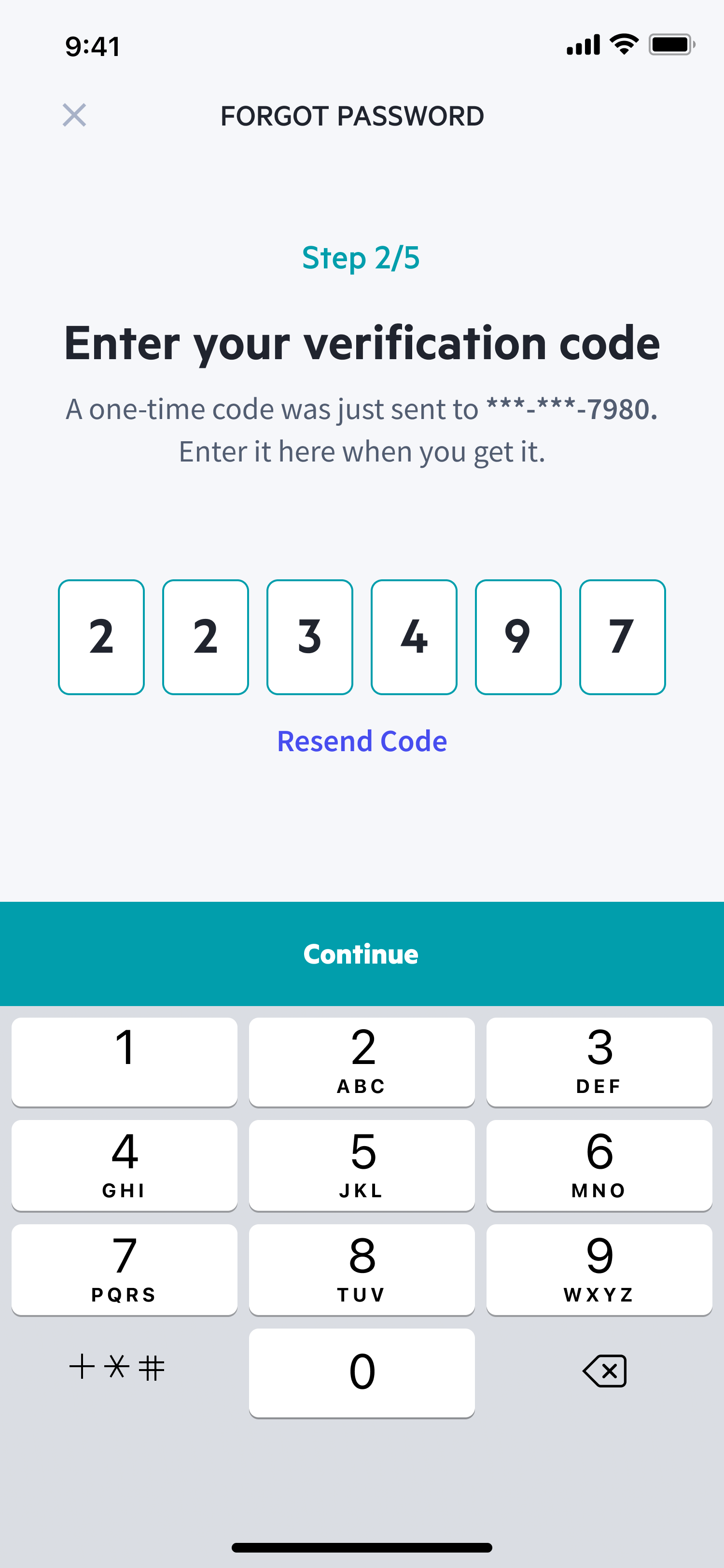
Verification Code
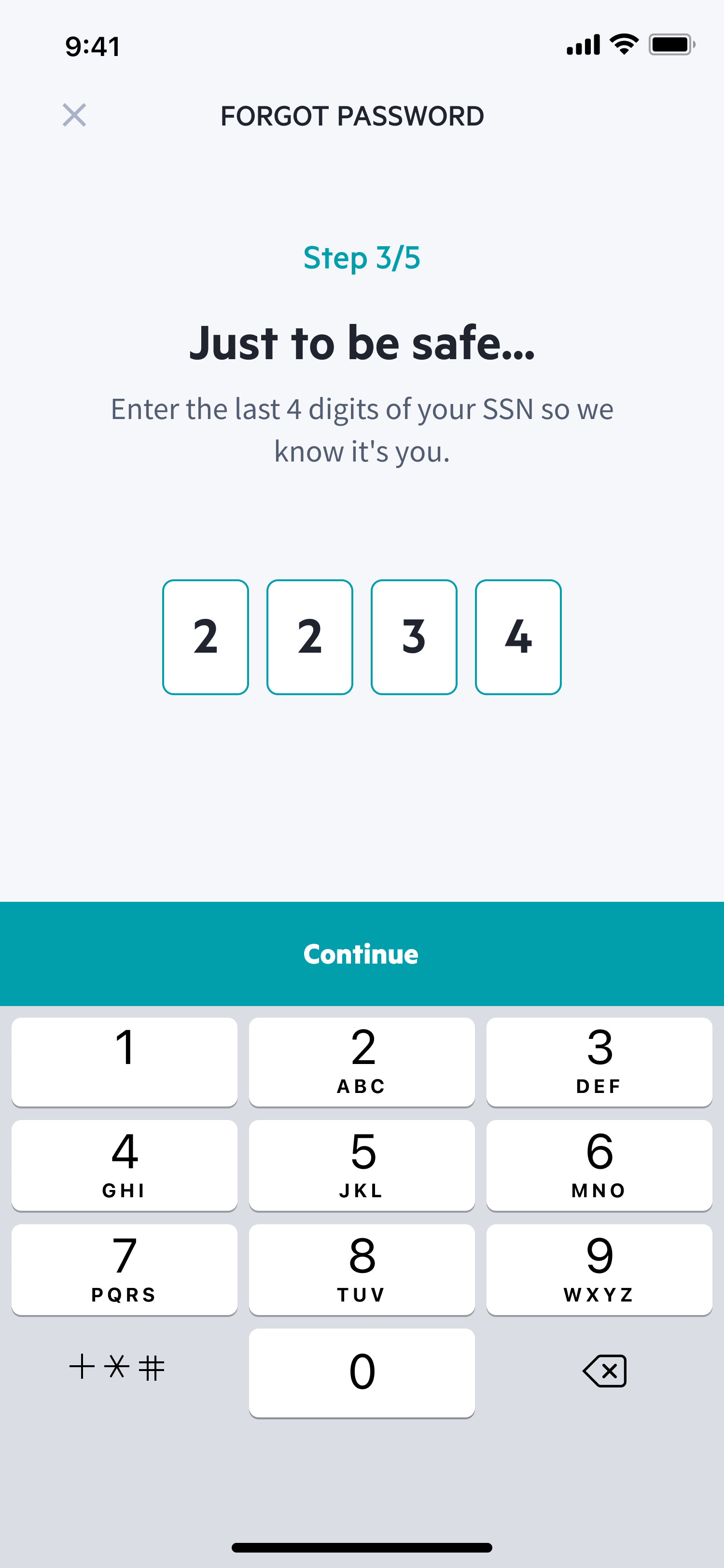
4 Digits of SSN
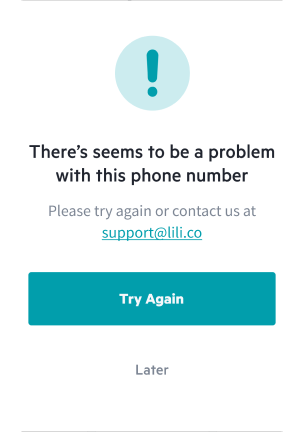
Invalid Phone Number
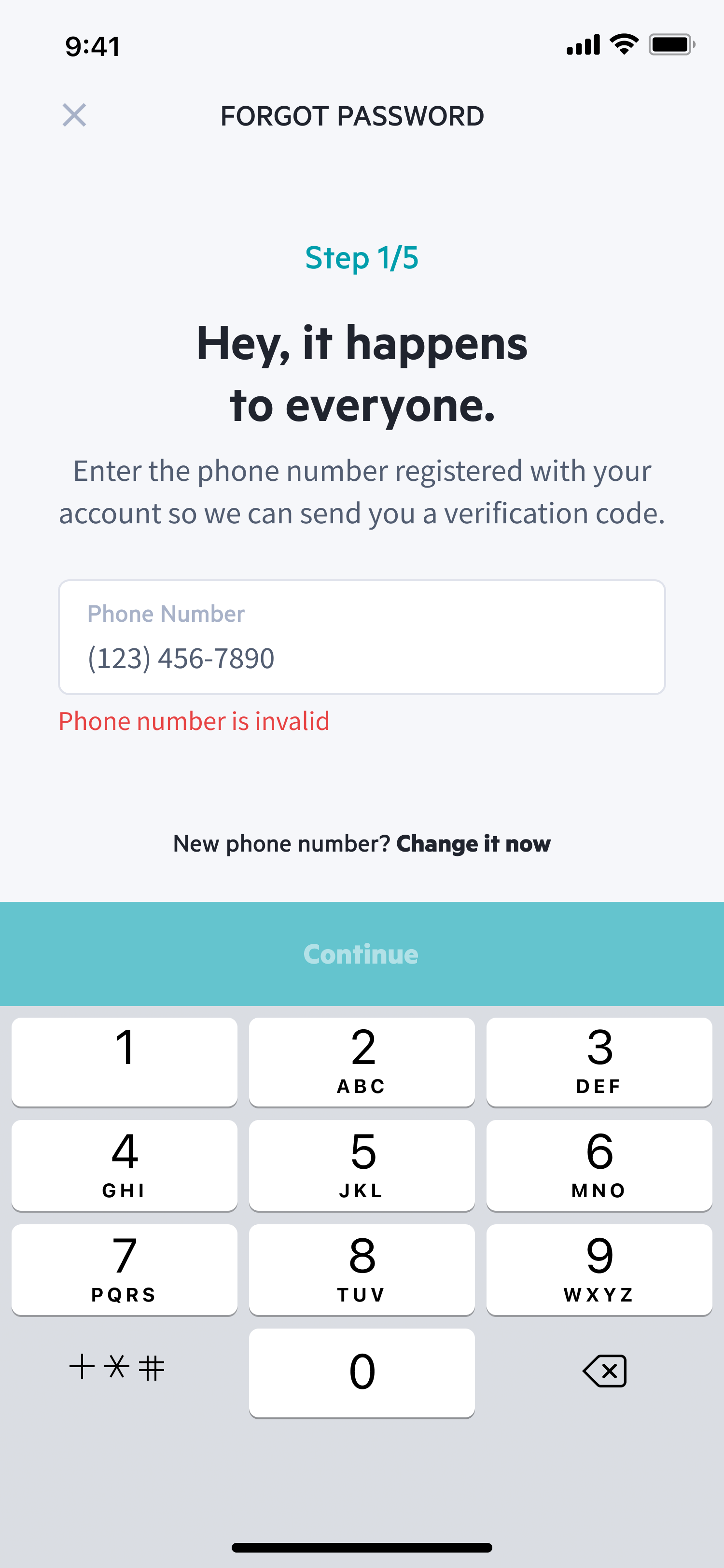
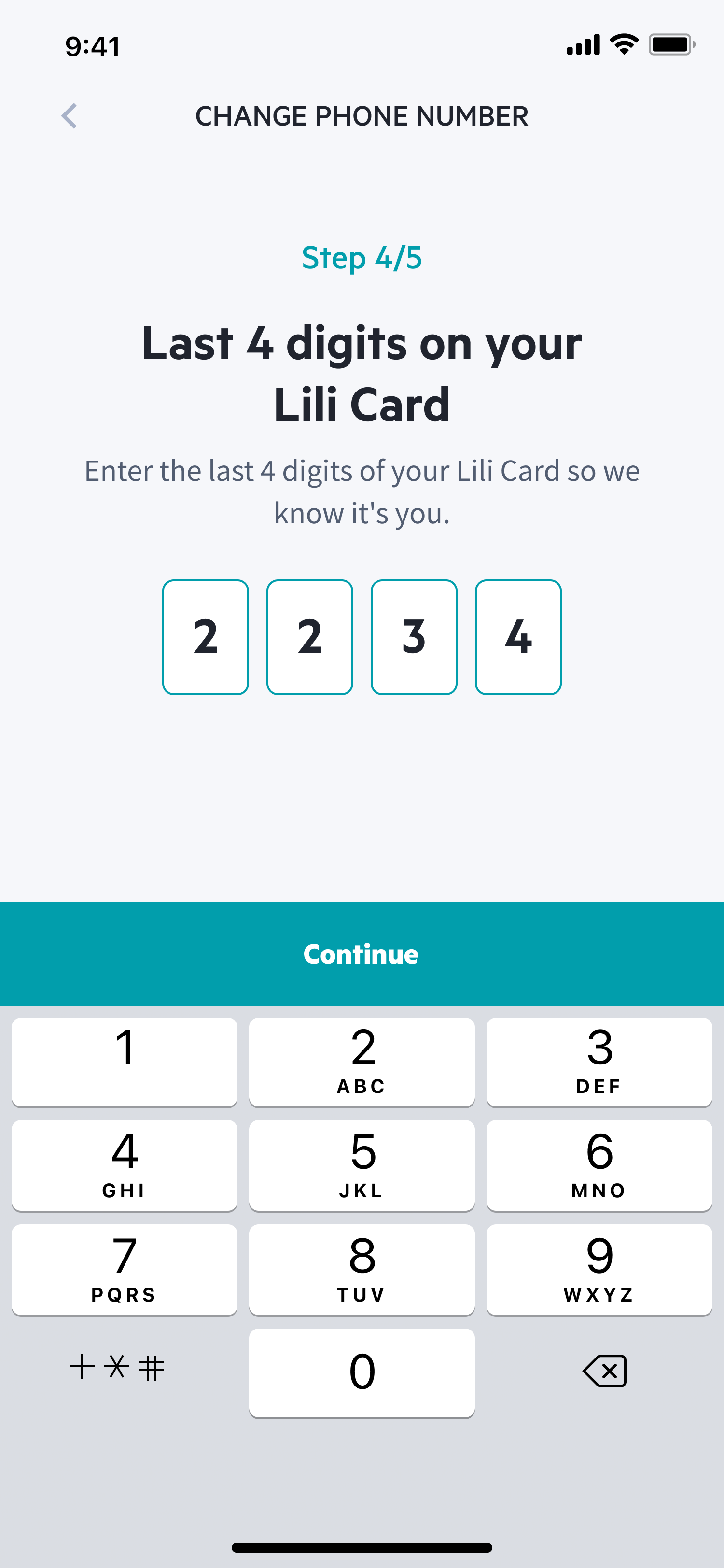
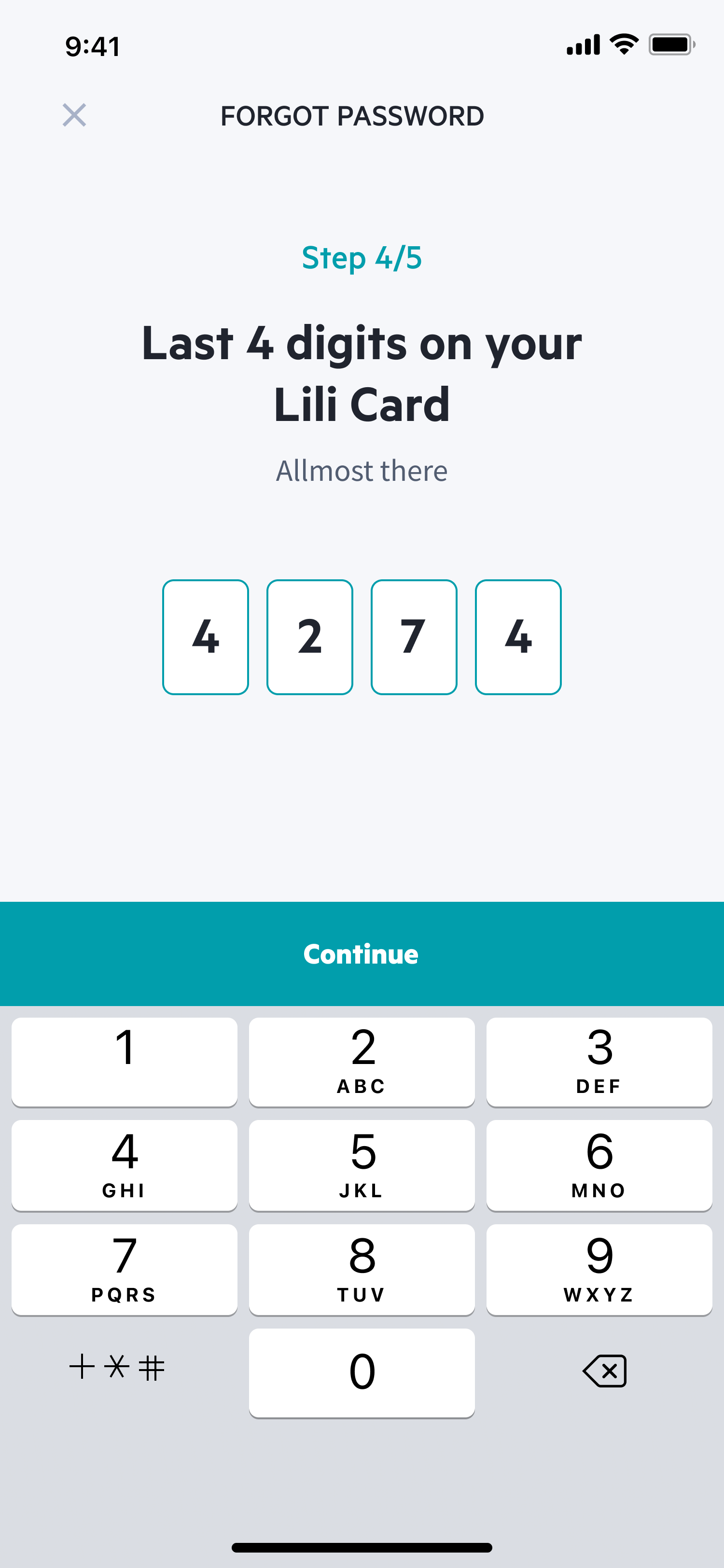
Last 4 Lili Card Digits
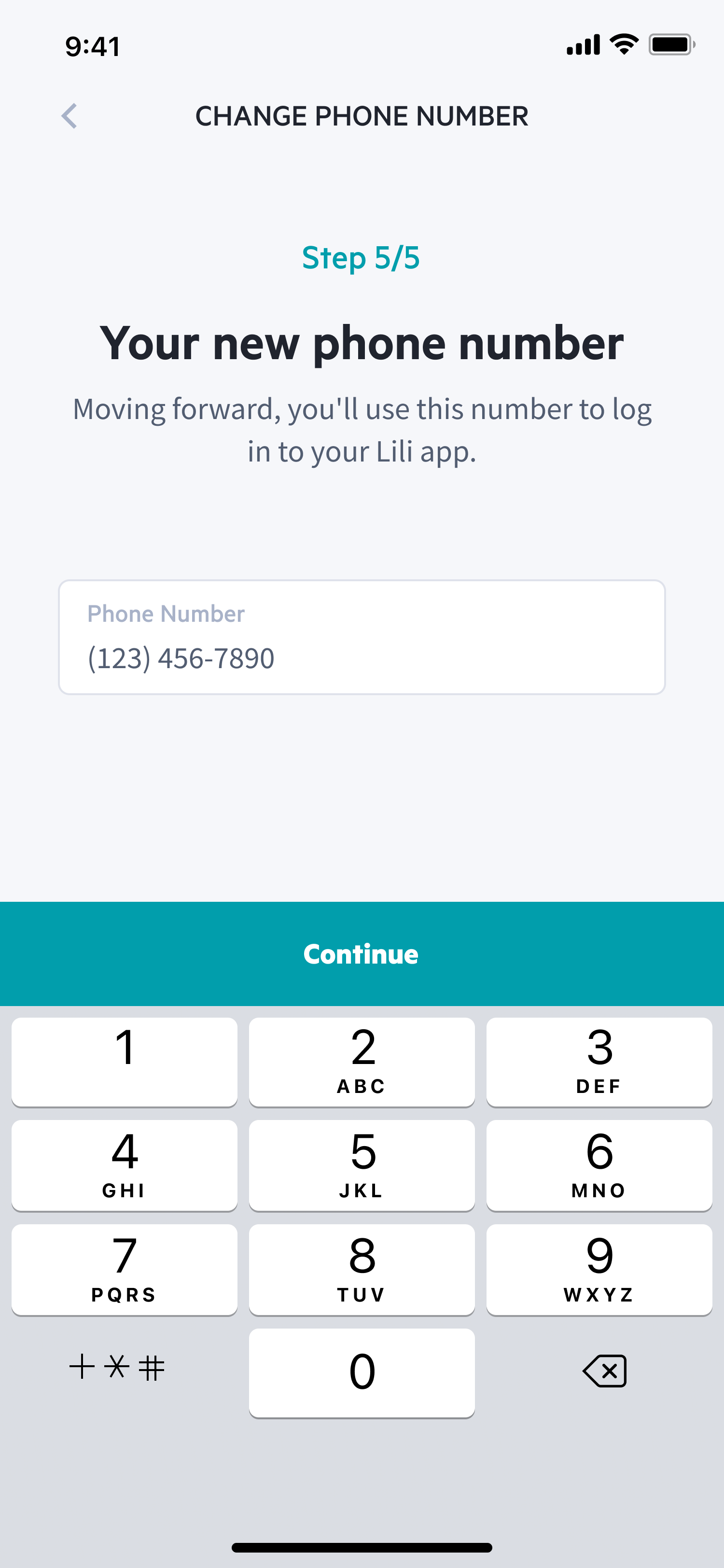
New Phone Number
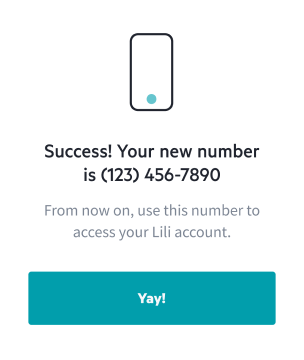
Success! New Number

Phone Number Error
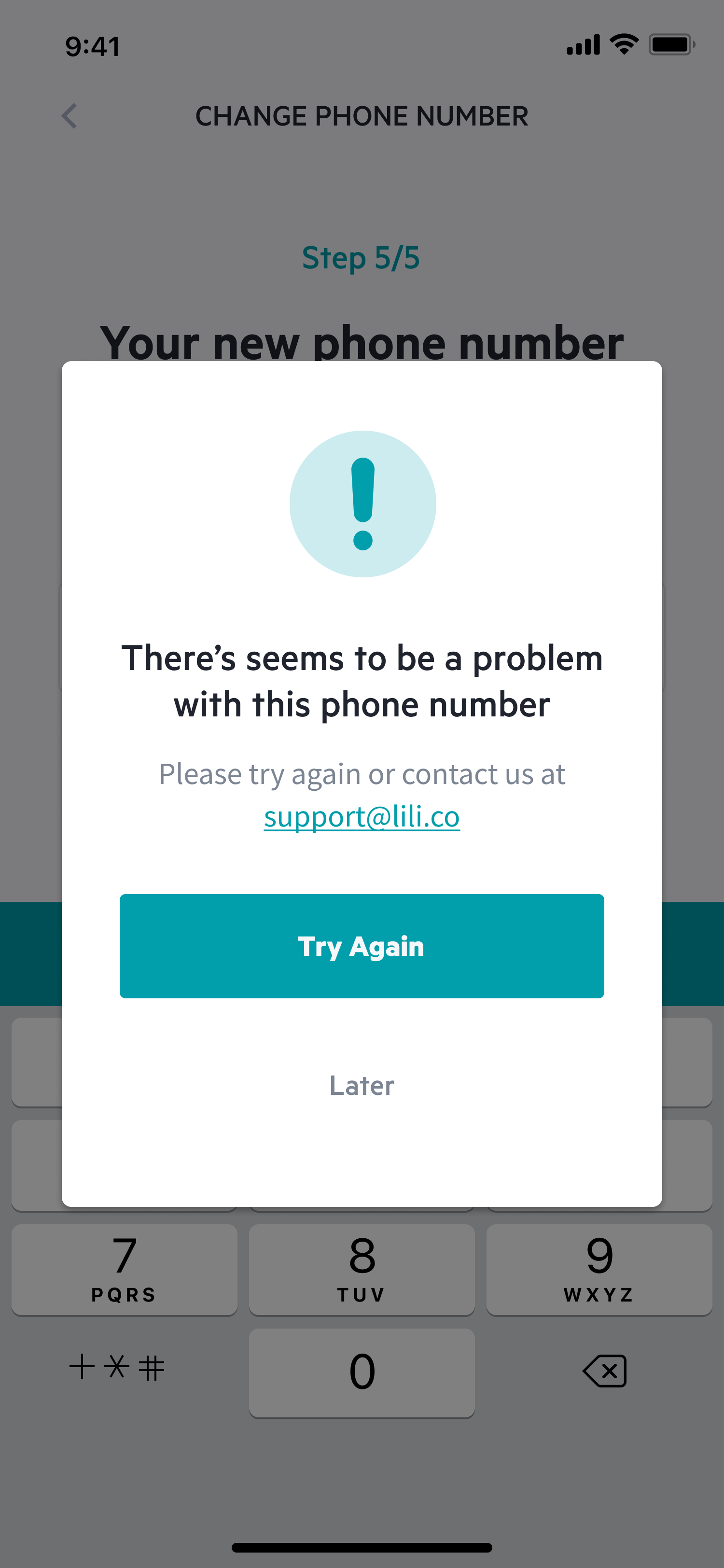
Login Error
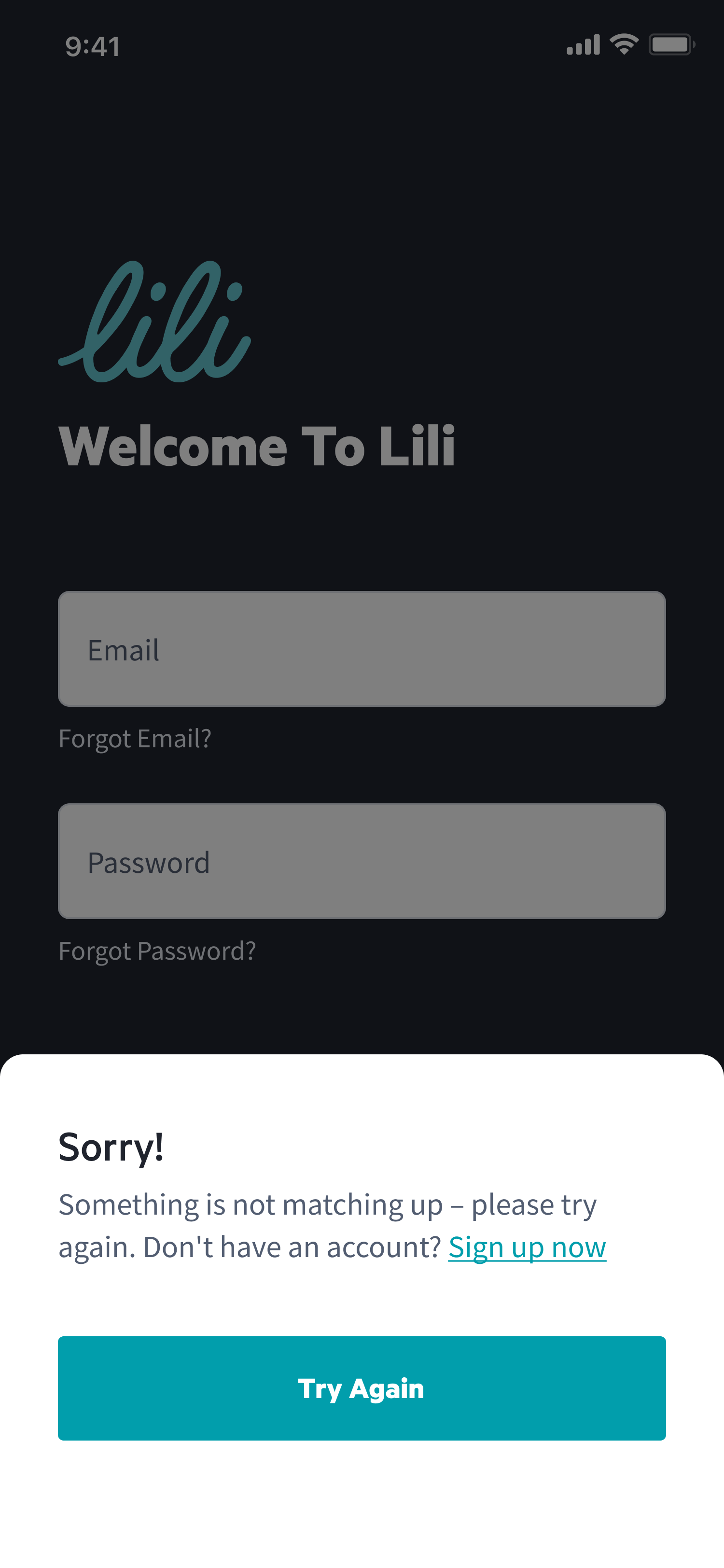
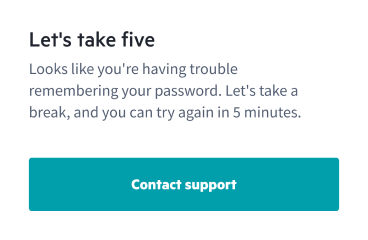
Let's Take Five
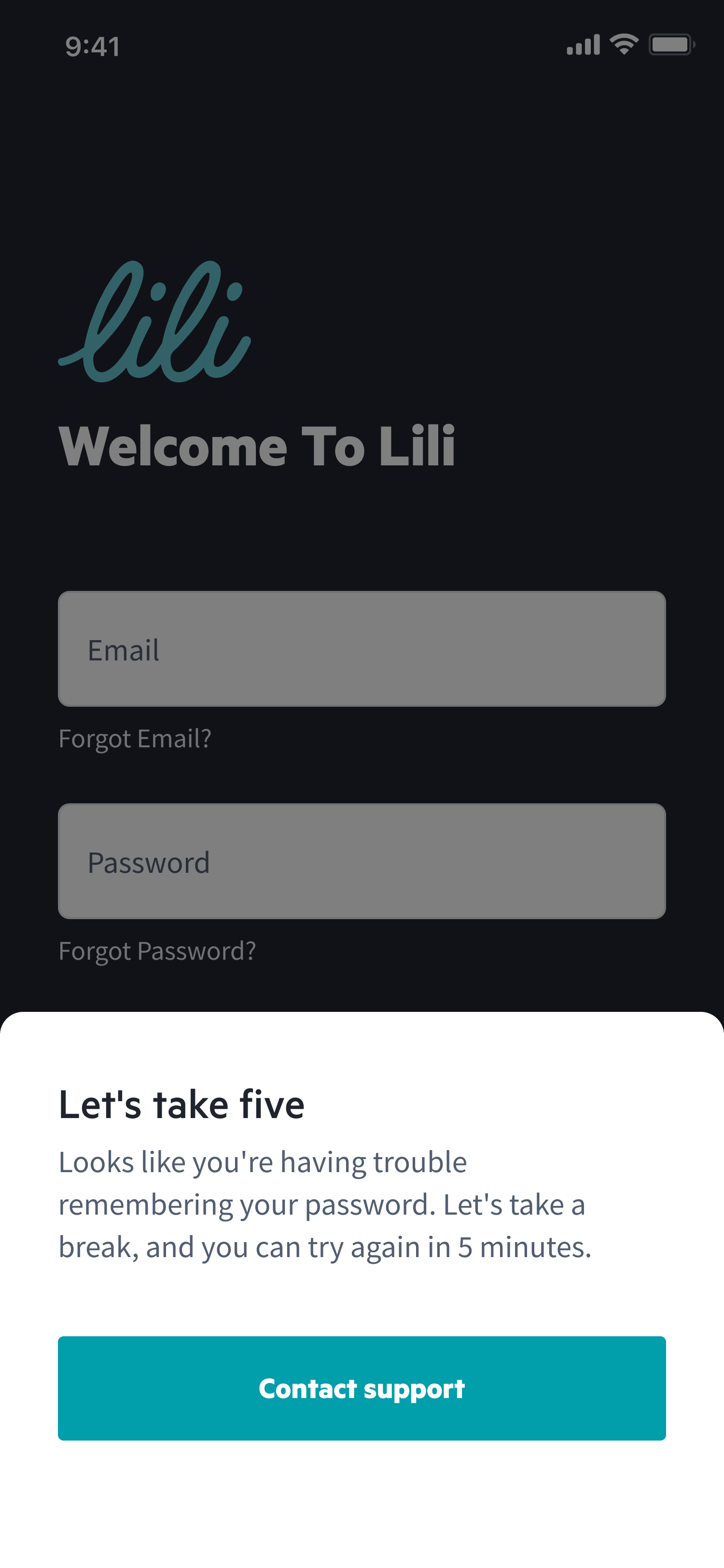
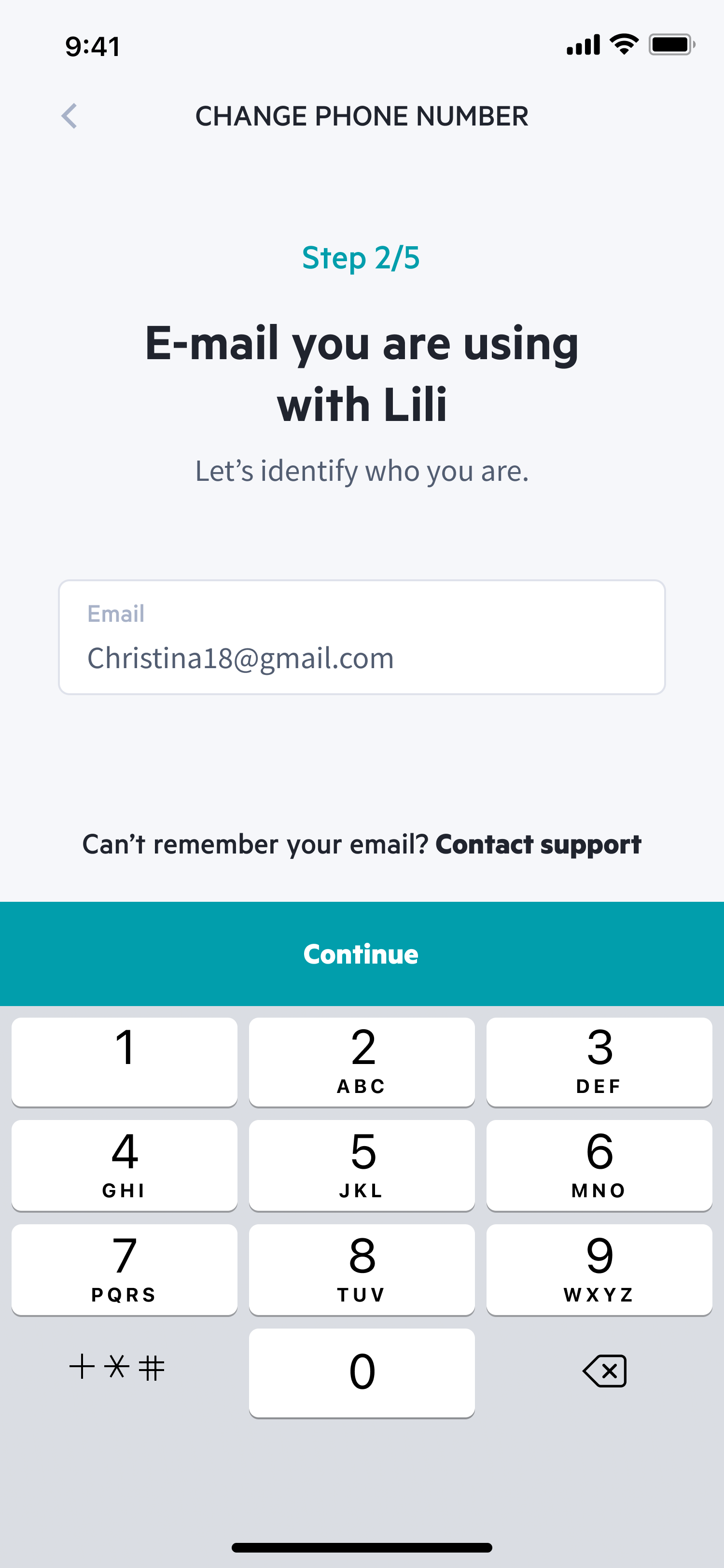
Change Phone Number
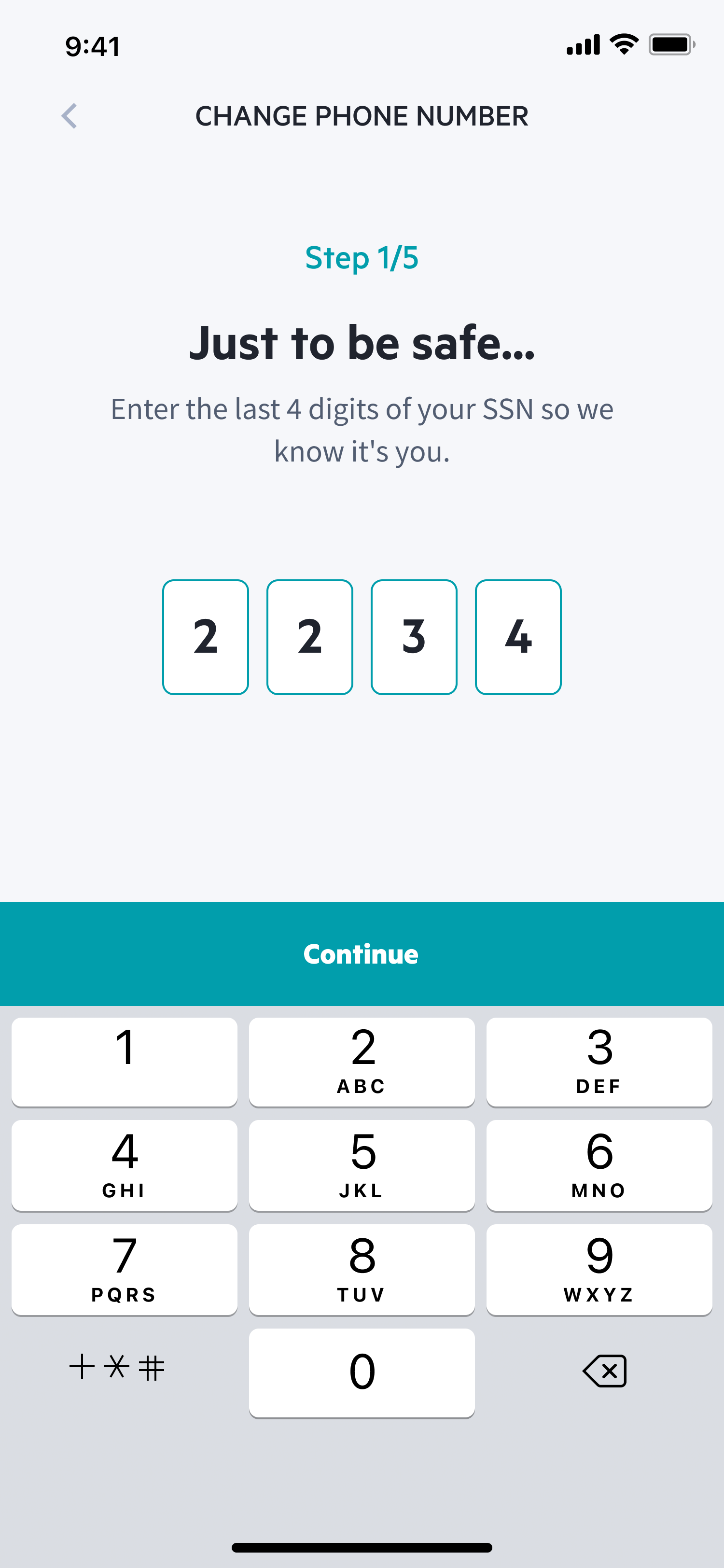
Login

of the app.
The user experience has been improved to meet industry standards.
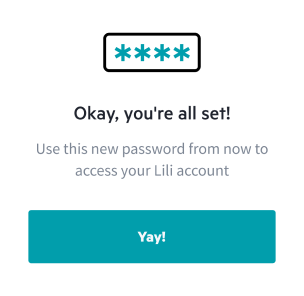
Password Reseted
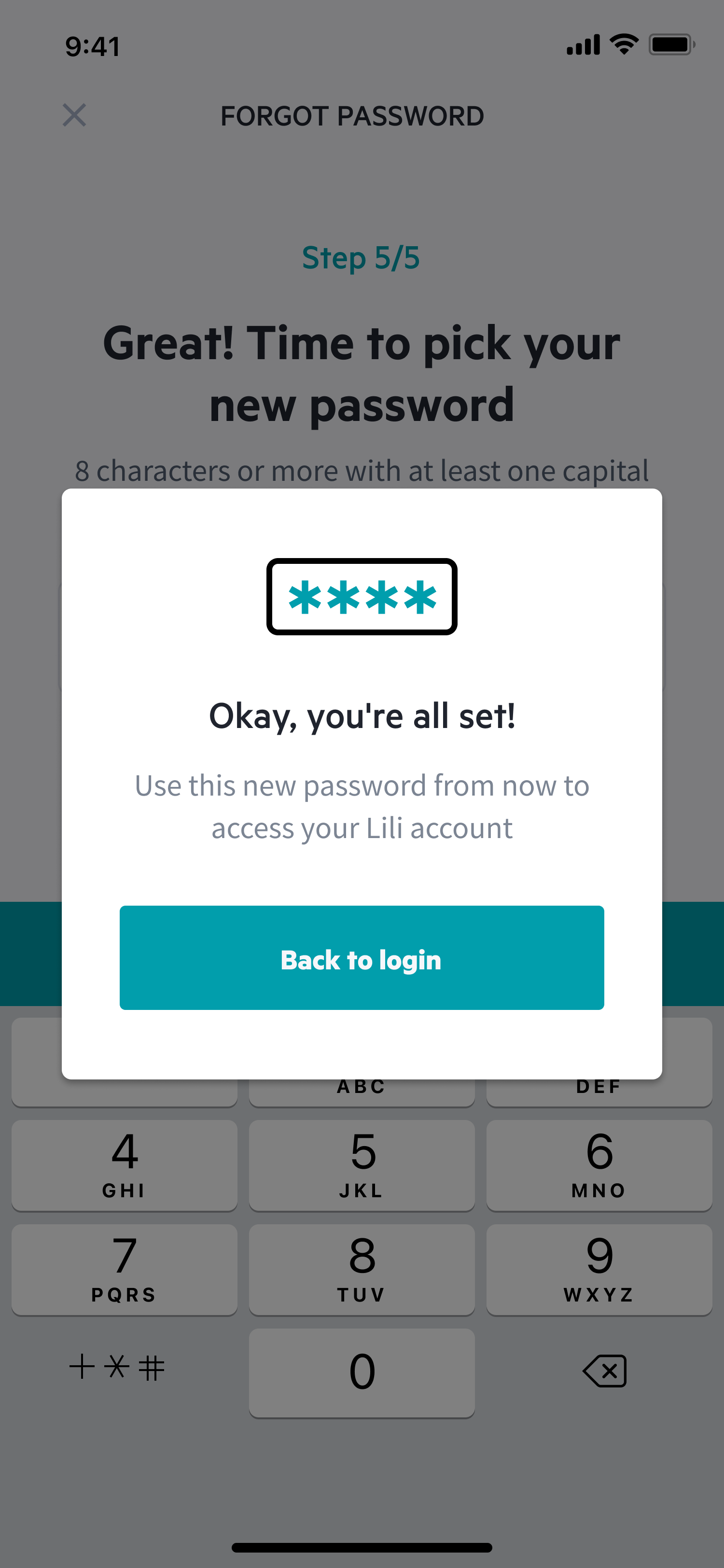
Enter Your Email
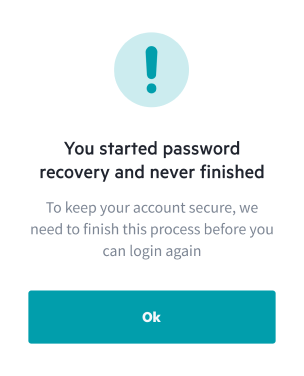
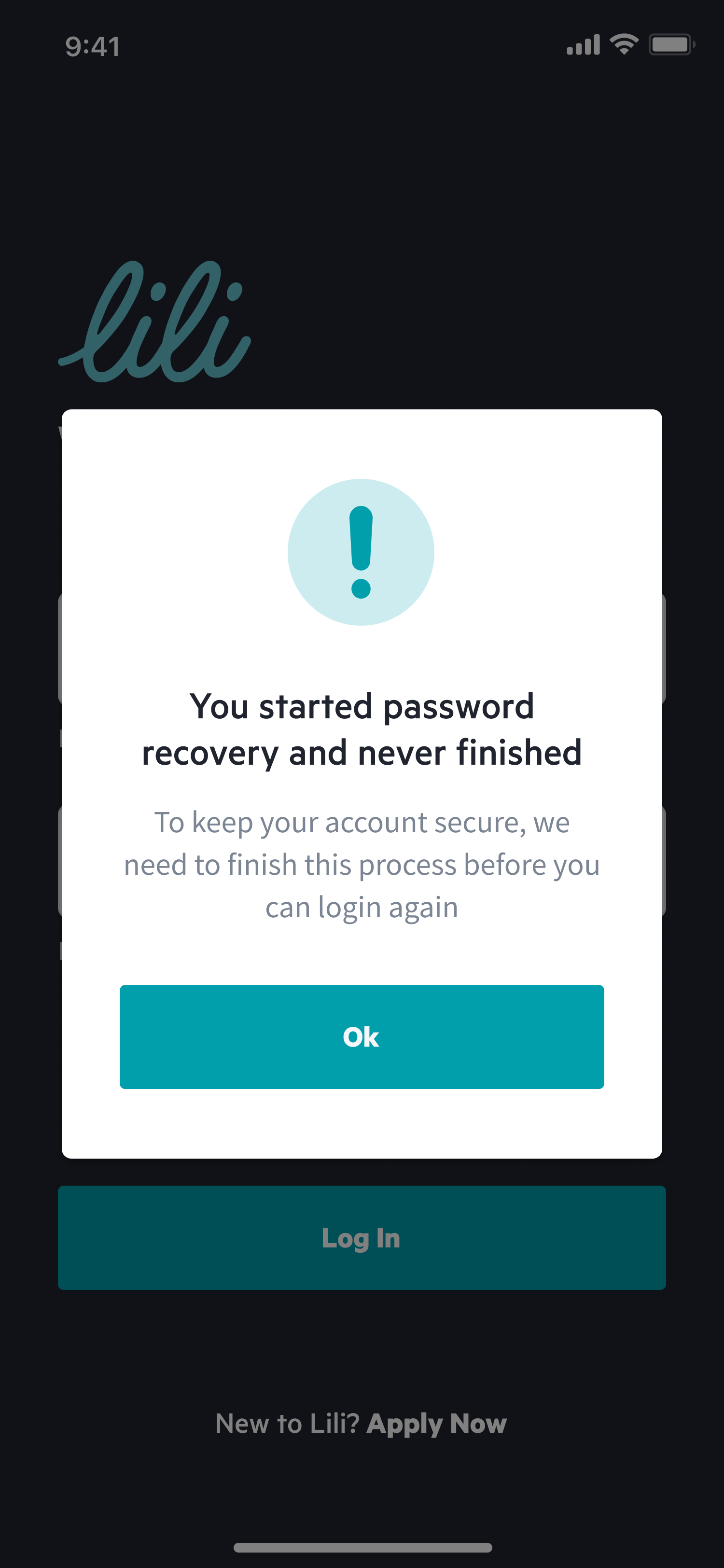
Password Reset Error
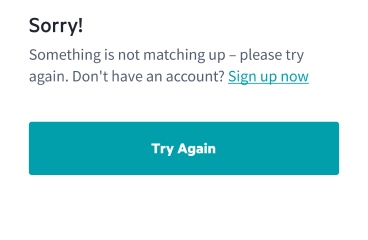
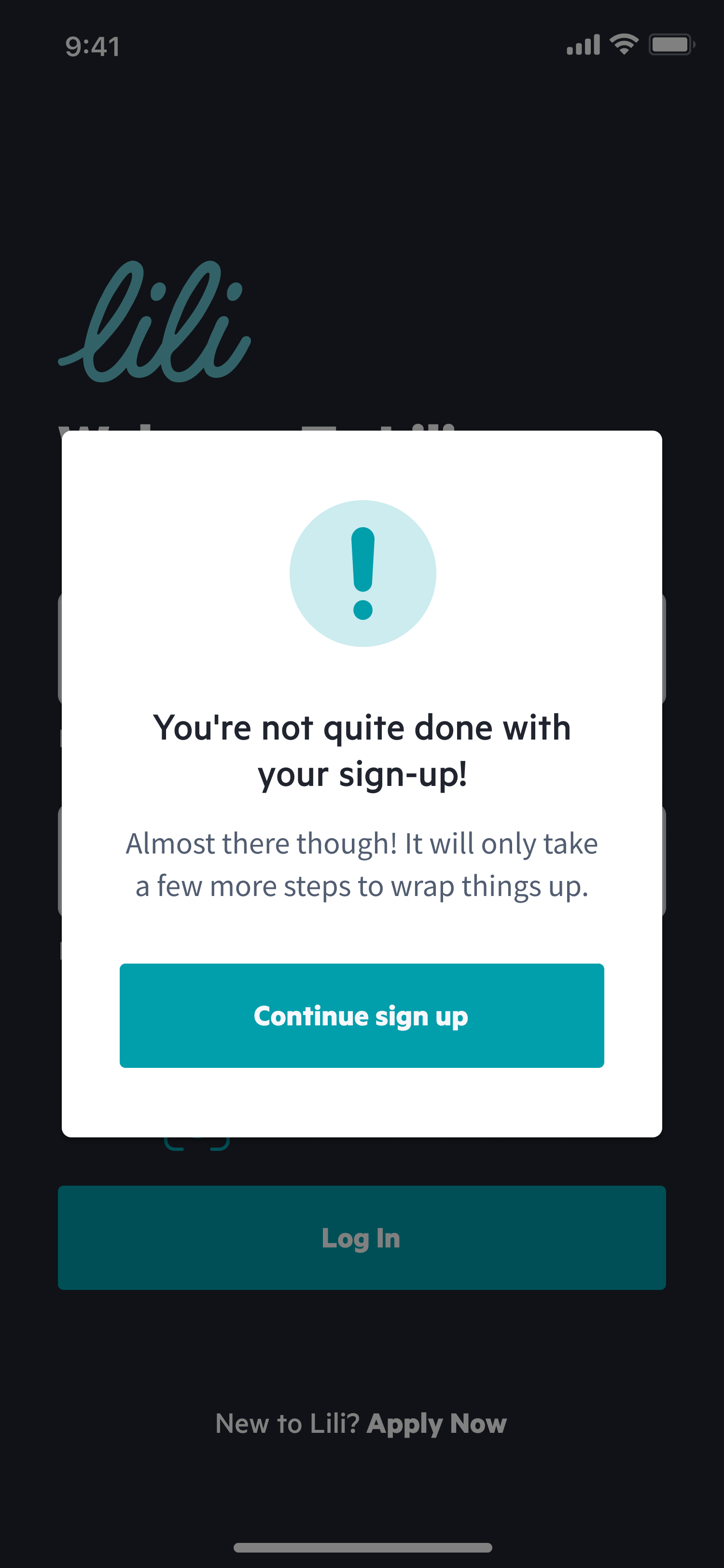
Sign Up Error
Last 4 Lili Card Digits
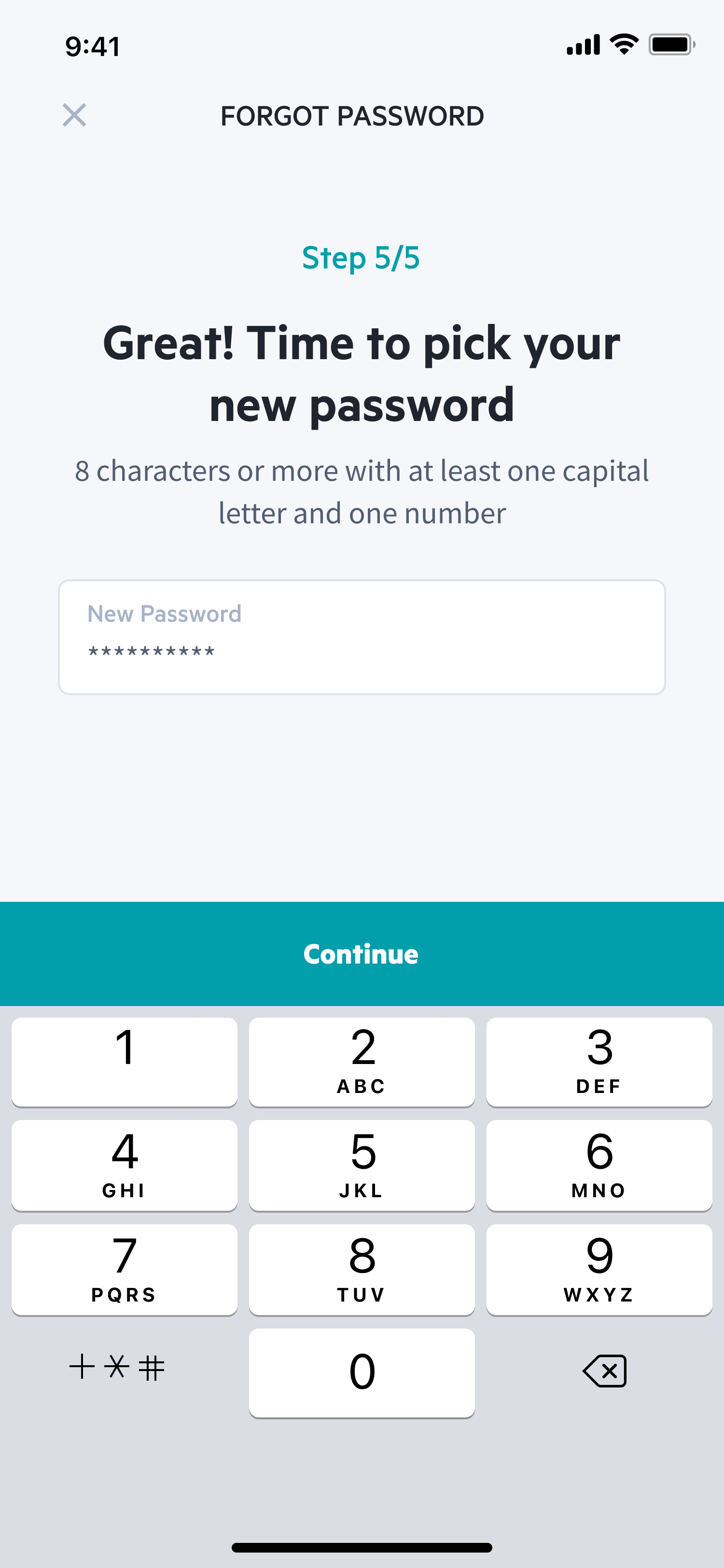
Pick a New Password
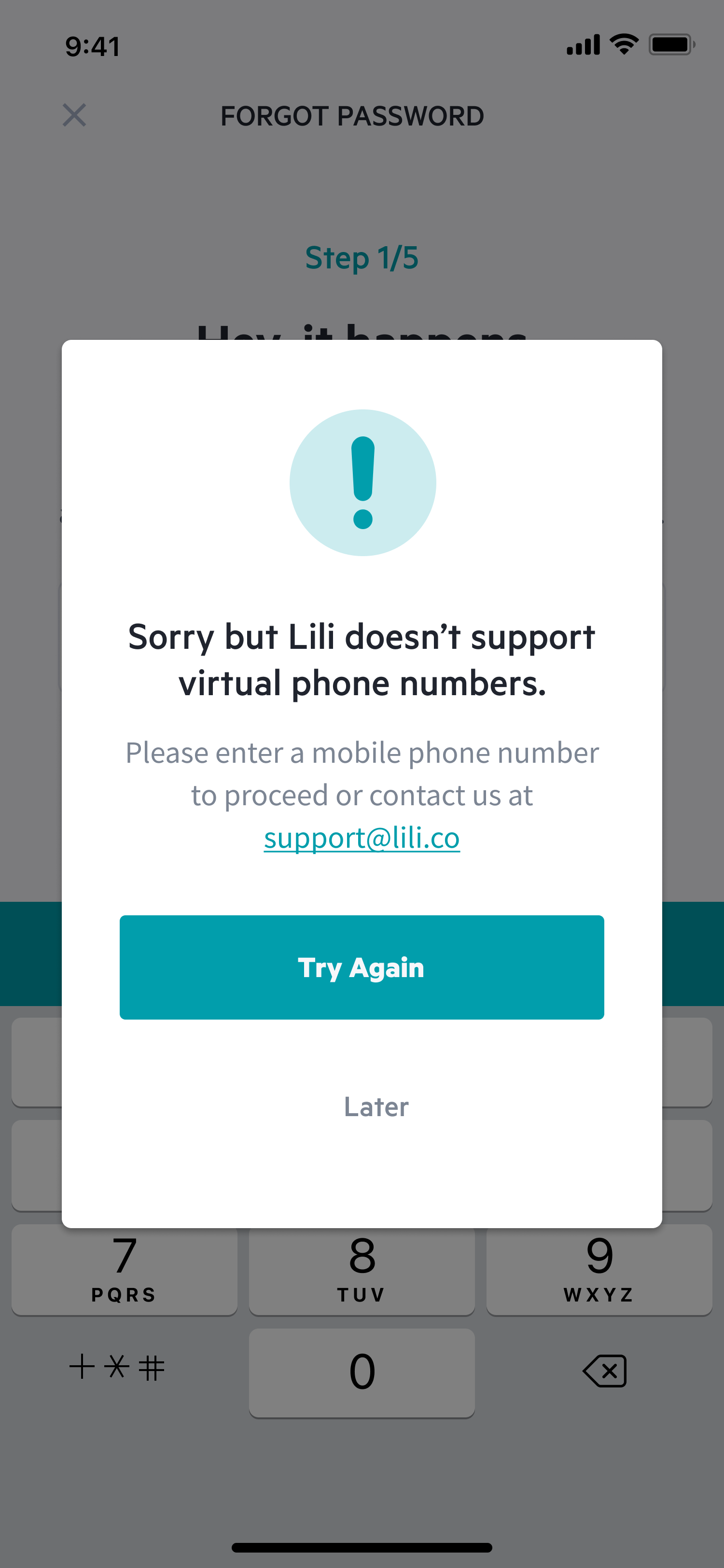
Virtual Phone Number
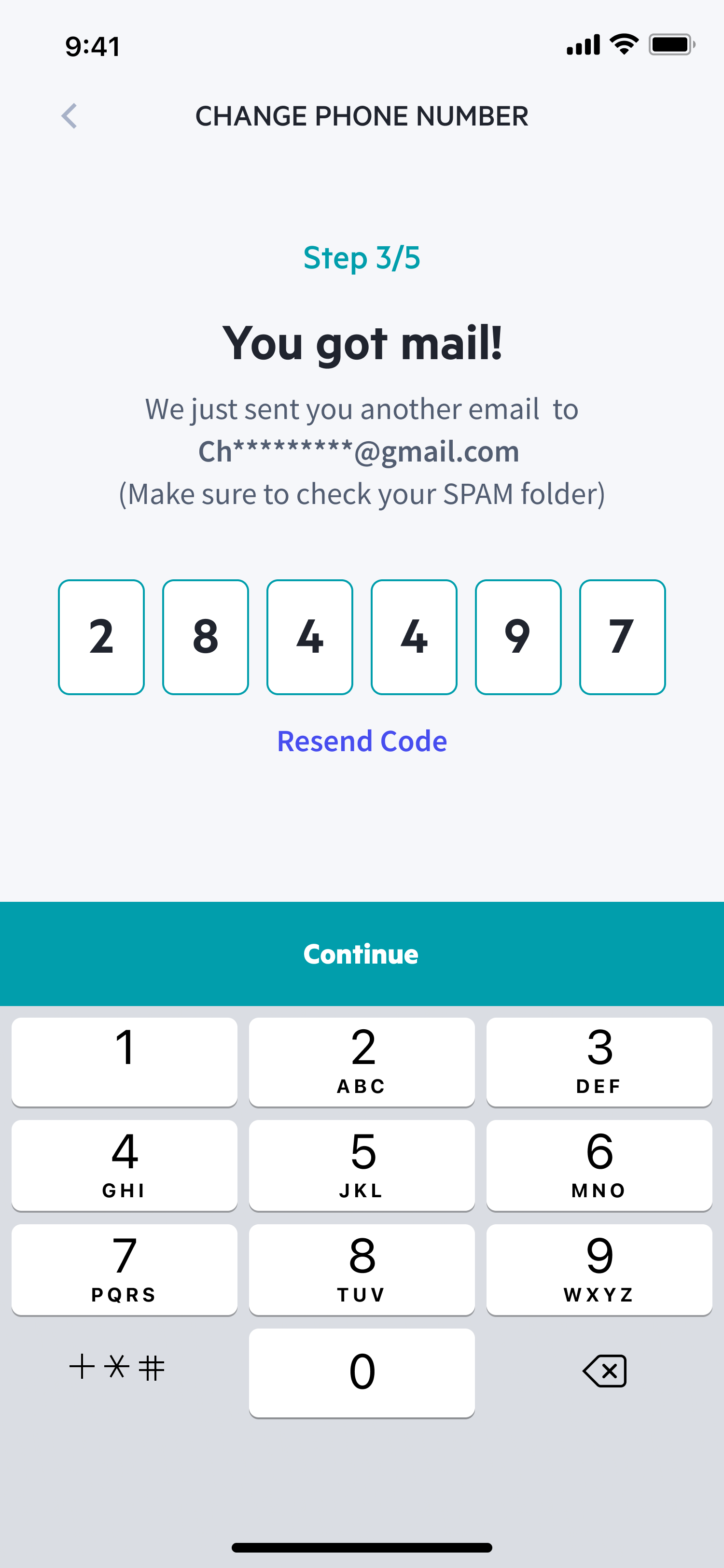
6 Digit Code
Next Steps
The project is currently under development.