Company

Lili

Year

2023

My role

Lead Designer
Prototype

Platform

Desktop web

Overview

The concept of the Lili web project was first introduced in a team meeting, but it remained in the idea stage for some time. As a company that prioritizes mobile, launching a web app was a significant step for us. However, research on our competitors, user interviews, and our own new business objectives all strongly indicated that a web app was necessary to meet the needs of our users and advance our company's goals.

About Lili

Lili is a B2C company that helps Freelancers and small businesses grow their business by providing tools and services designed to save them time and money, while helping them stay focused on their day to day work and business goals.

Problems

Although our mobile app offers all the necessary features just a tap away, our users needed a more convenient way to access and analyze their financial information in depth.

Mobile is too small, sometimes

Our users have reported that the experience of managing their finances in our mobile app is not enough for some
use-cases.

Competitor alignment

In order to acquire new customers, we acknowledged the need to conform to the web app interfaces of
our direct competitors.
Not having a web platform resulted in losing potential customers.

Opportunity

Expanding the universe our platform and making it easier for our customers to access, manage and analyze their financial information in depth.

My perspective

My primary goal was to ensure a consistent experience between mobile and web app.
It was crucial to me that they would feel comfortable in the new web app. In order to achieve this, I had to carefully evaluate which features from the mobile app were not necessary for the web app, and which features needed to be adapted to better suit the web app.

The final design

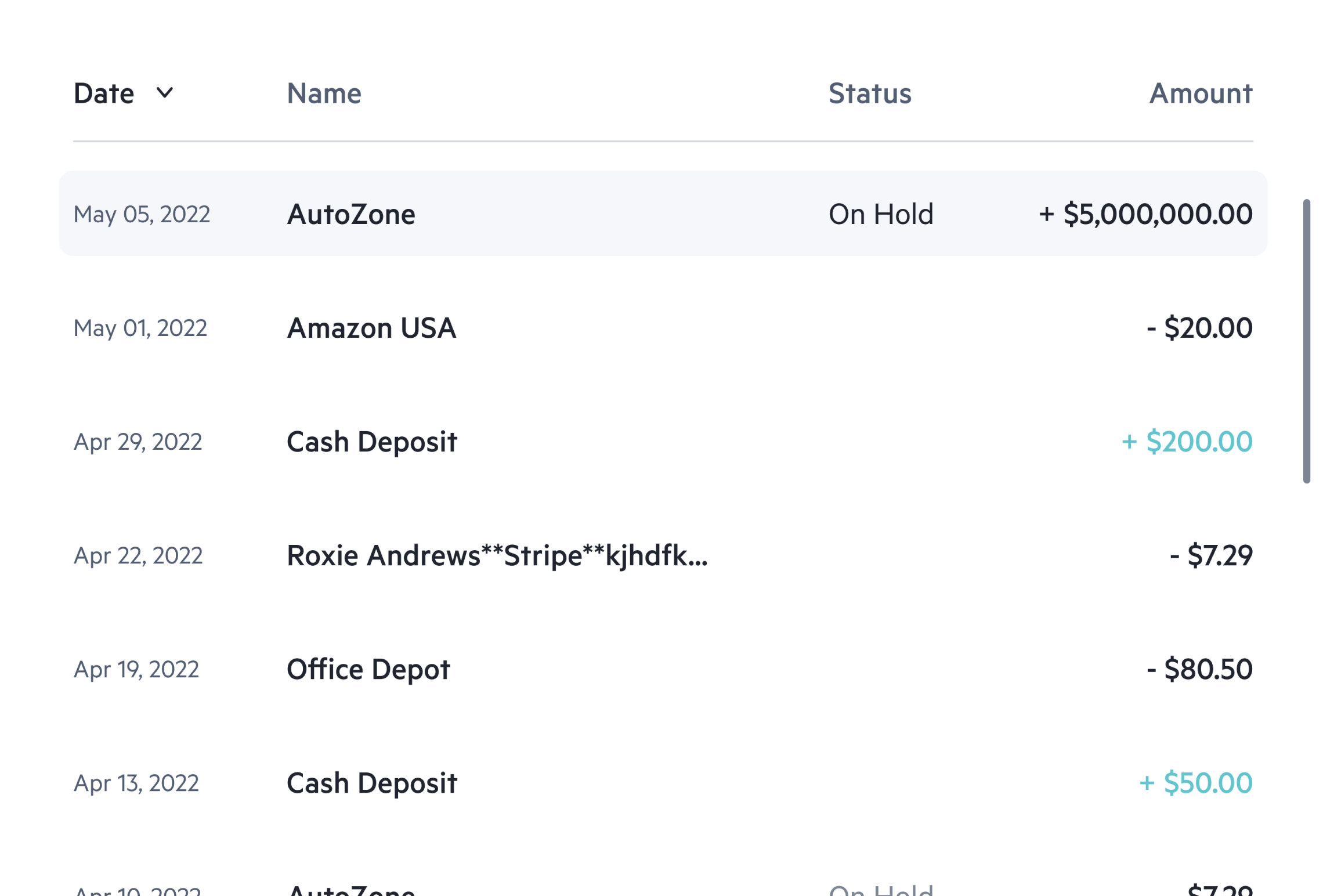
Transactions
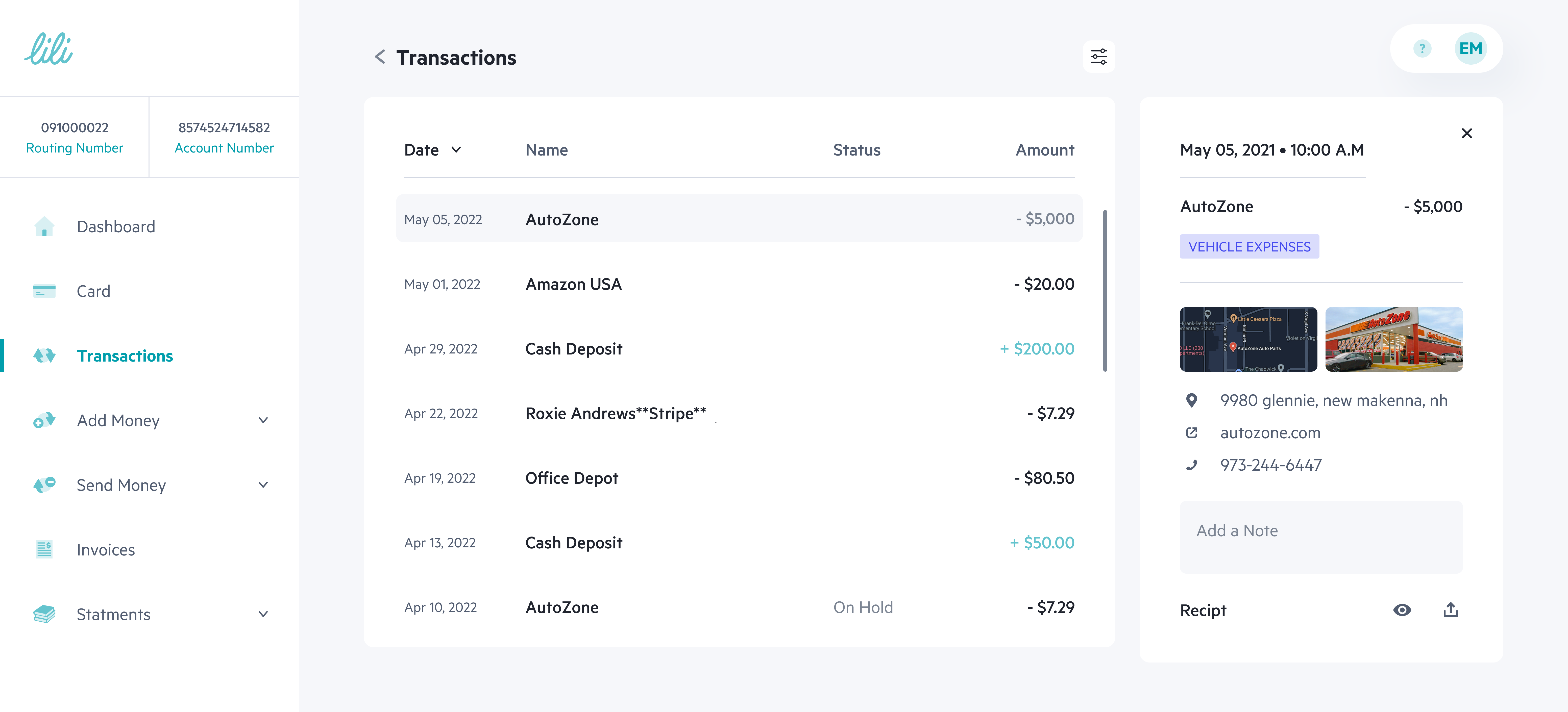
The main transactions screen, allows users to view all their transactions with detailed information.

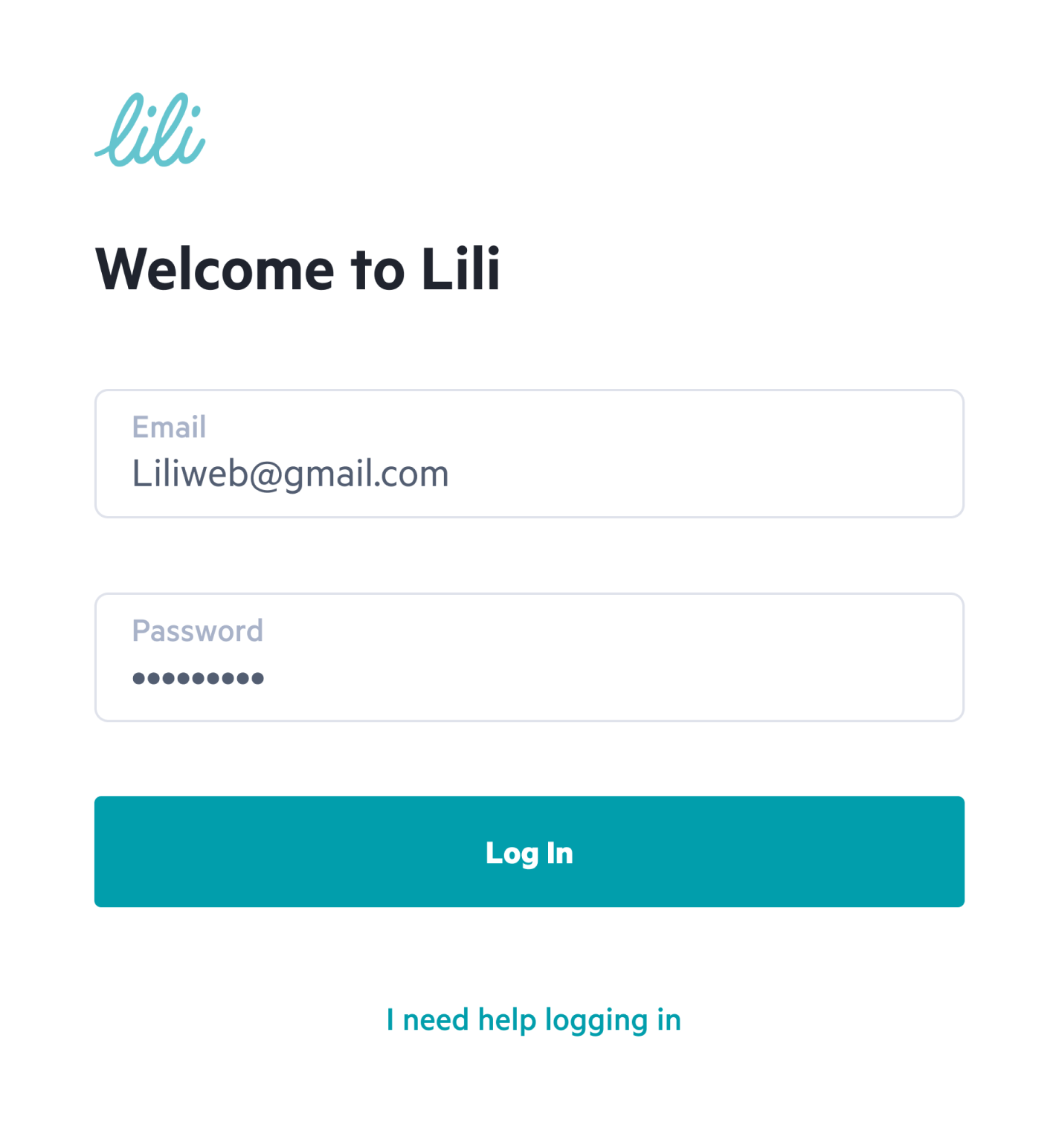
Login
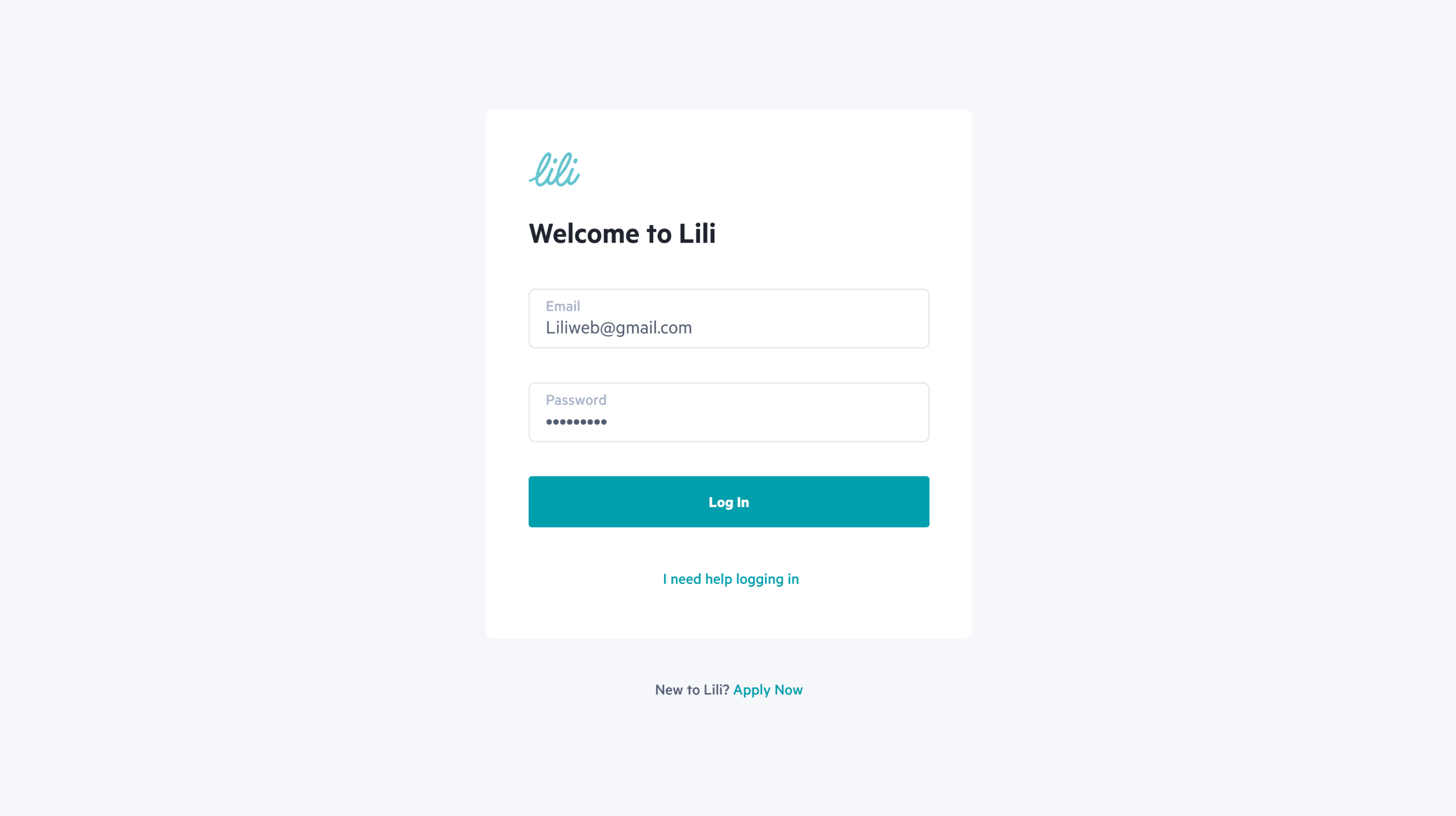
The login screen is the initial point of access for users when using the Lili web application.

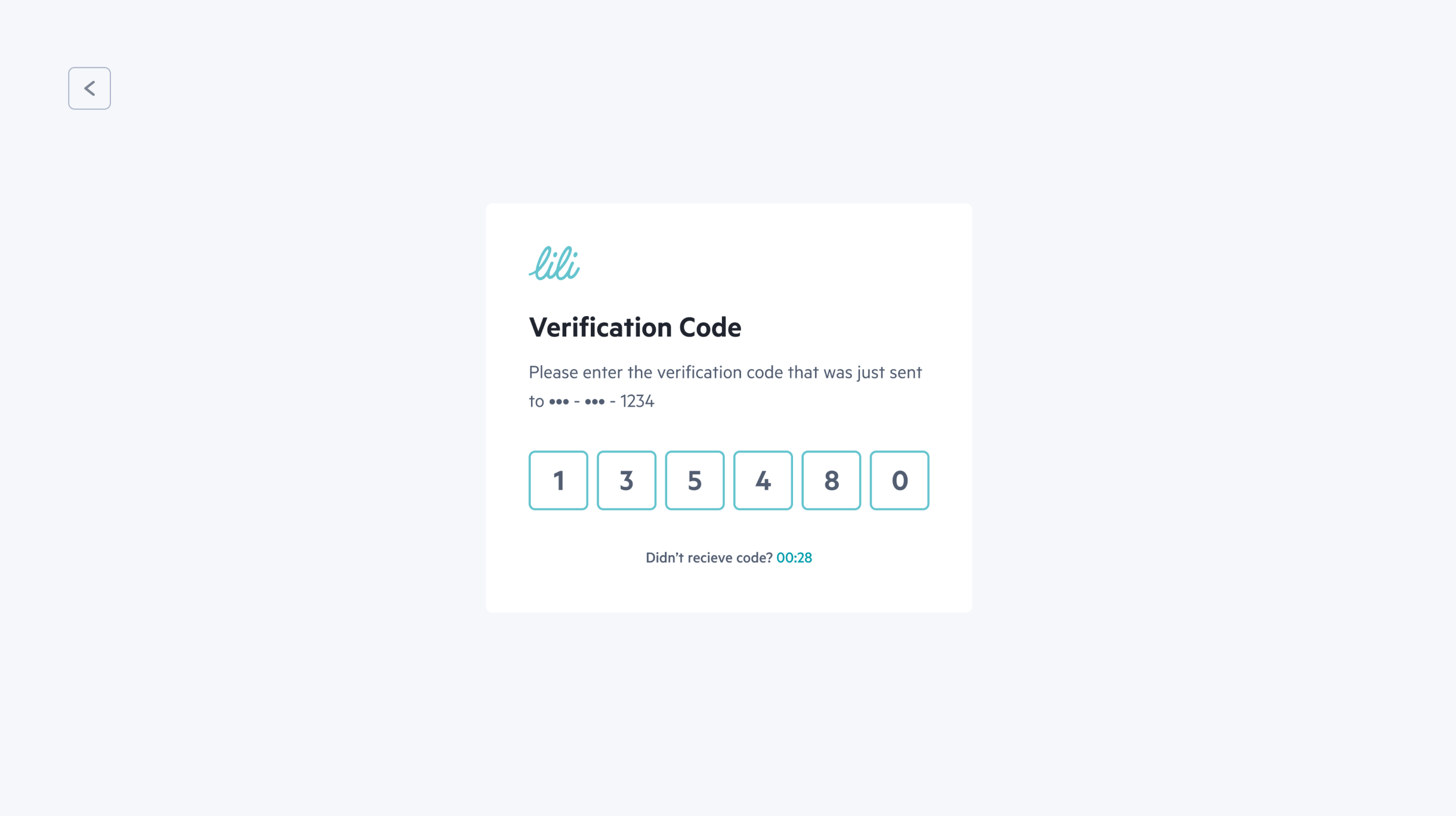
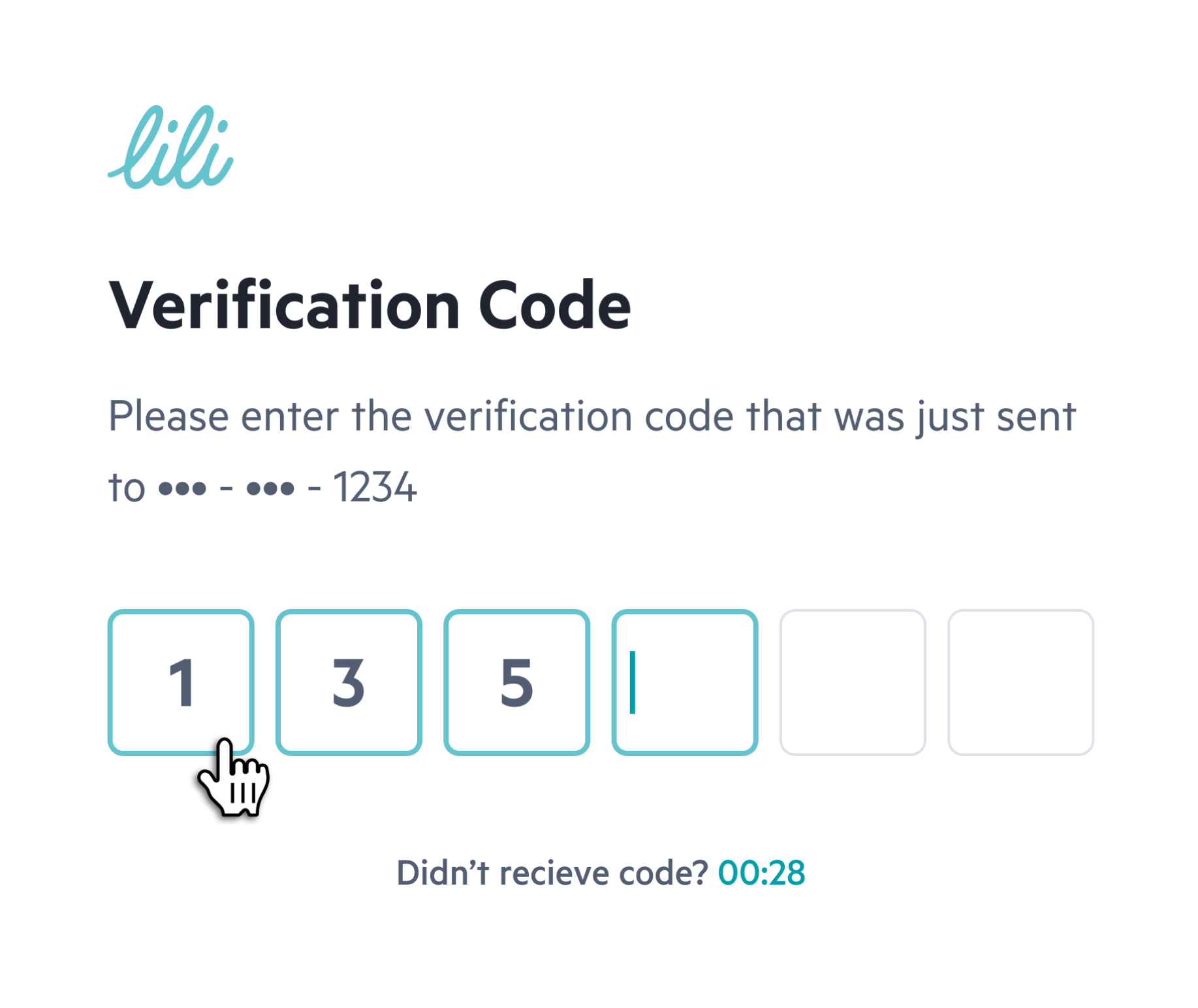
Verification Code

This feature requires users to enter a verification code sent to their registered email or phone number before accessing their account.

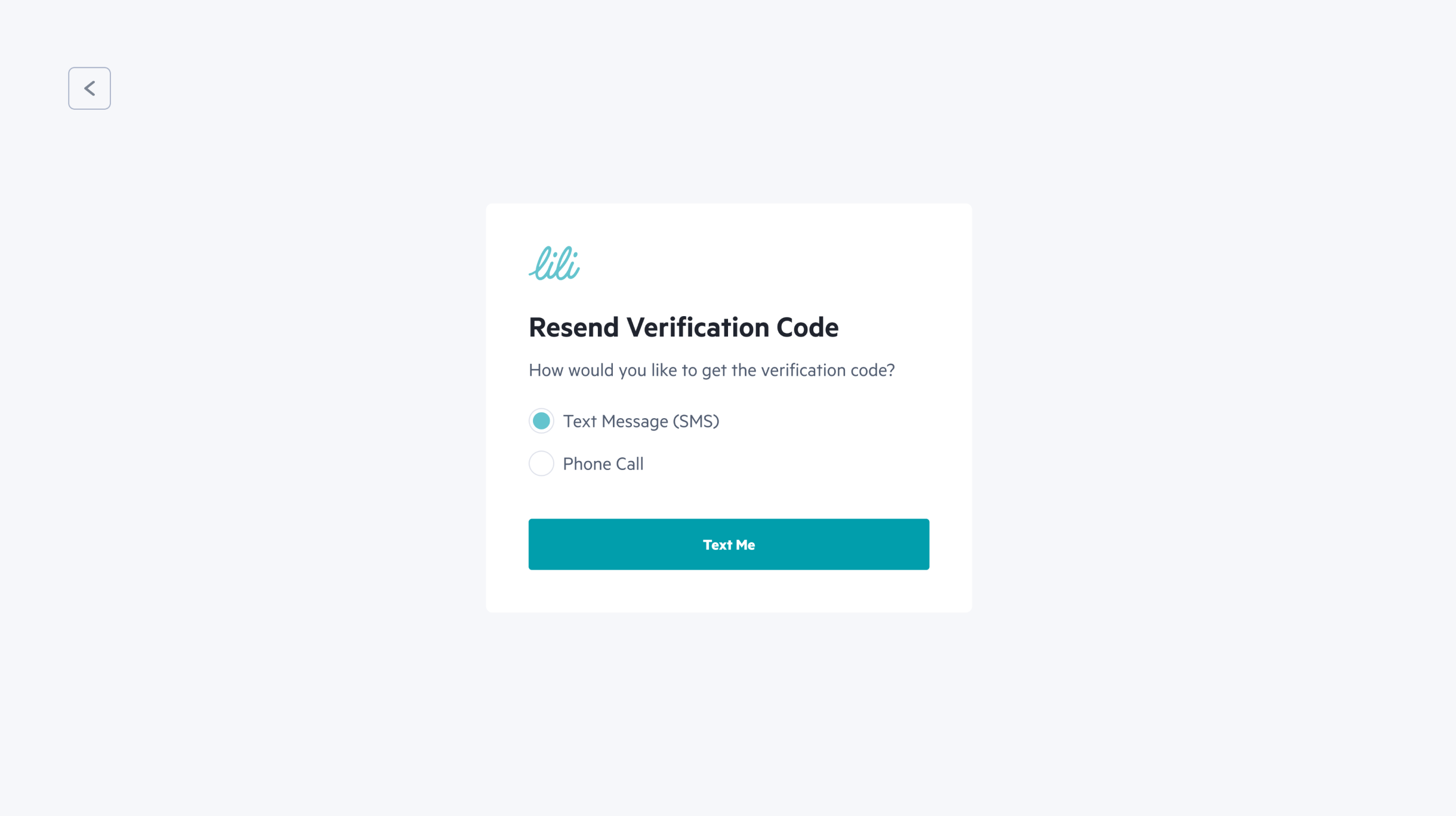
Resend verification Code

In case the user did not receive the verification code, they have the option to request it to be sent again.

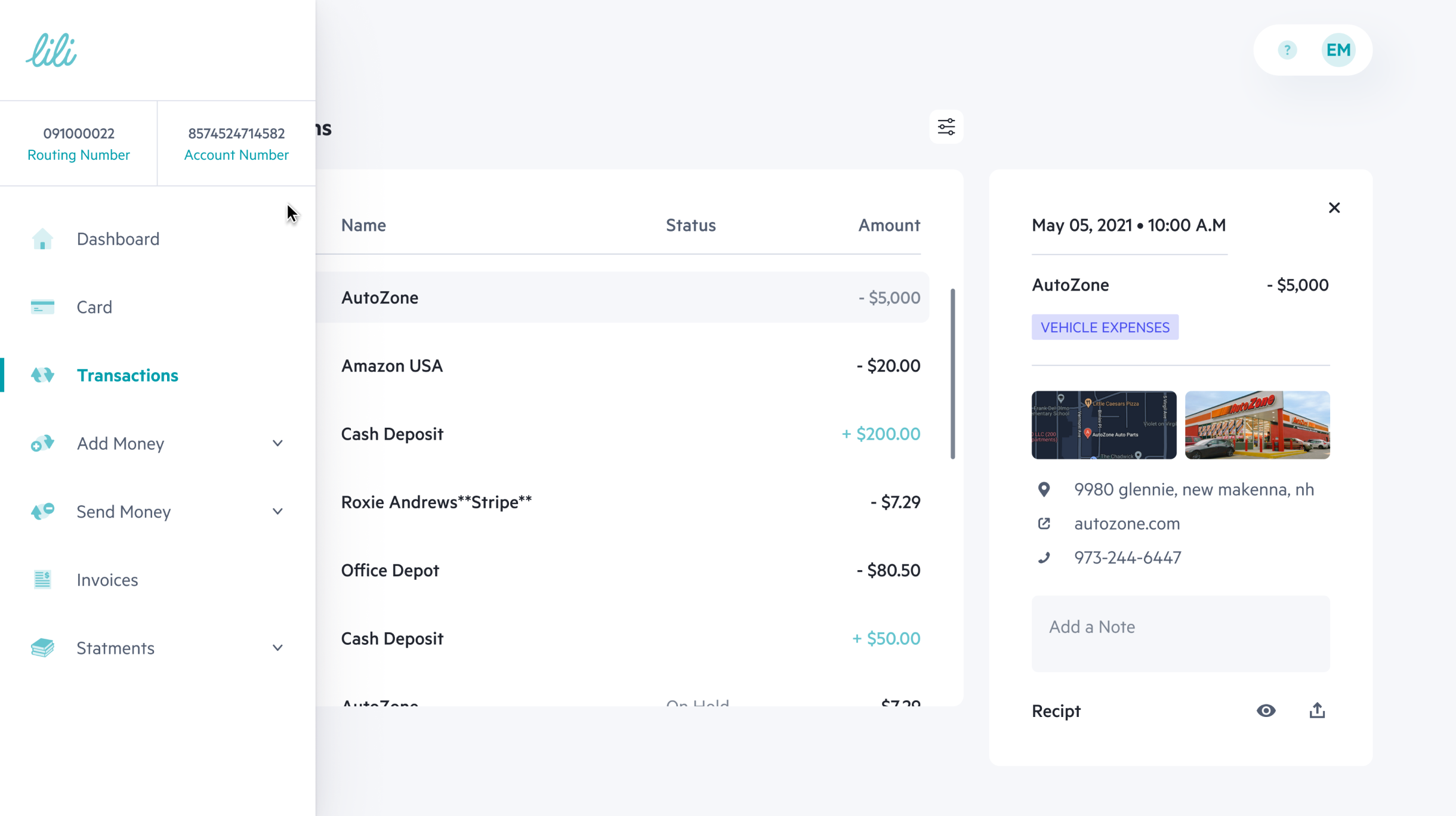
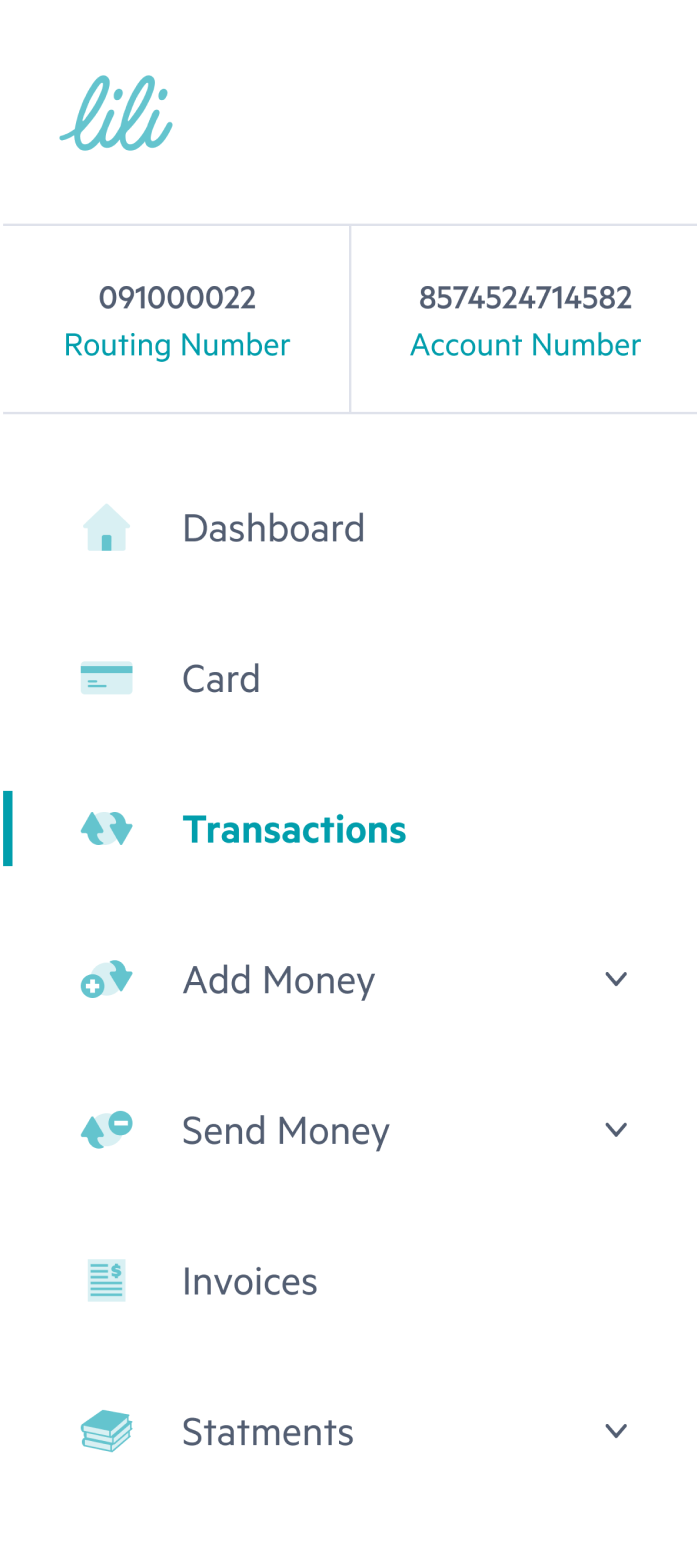
Menu on hover for smaller screens

The menu been optimized for users with smaller screen sizes.
It can be accessed by hovering over the designated area.

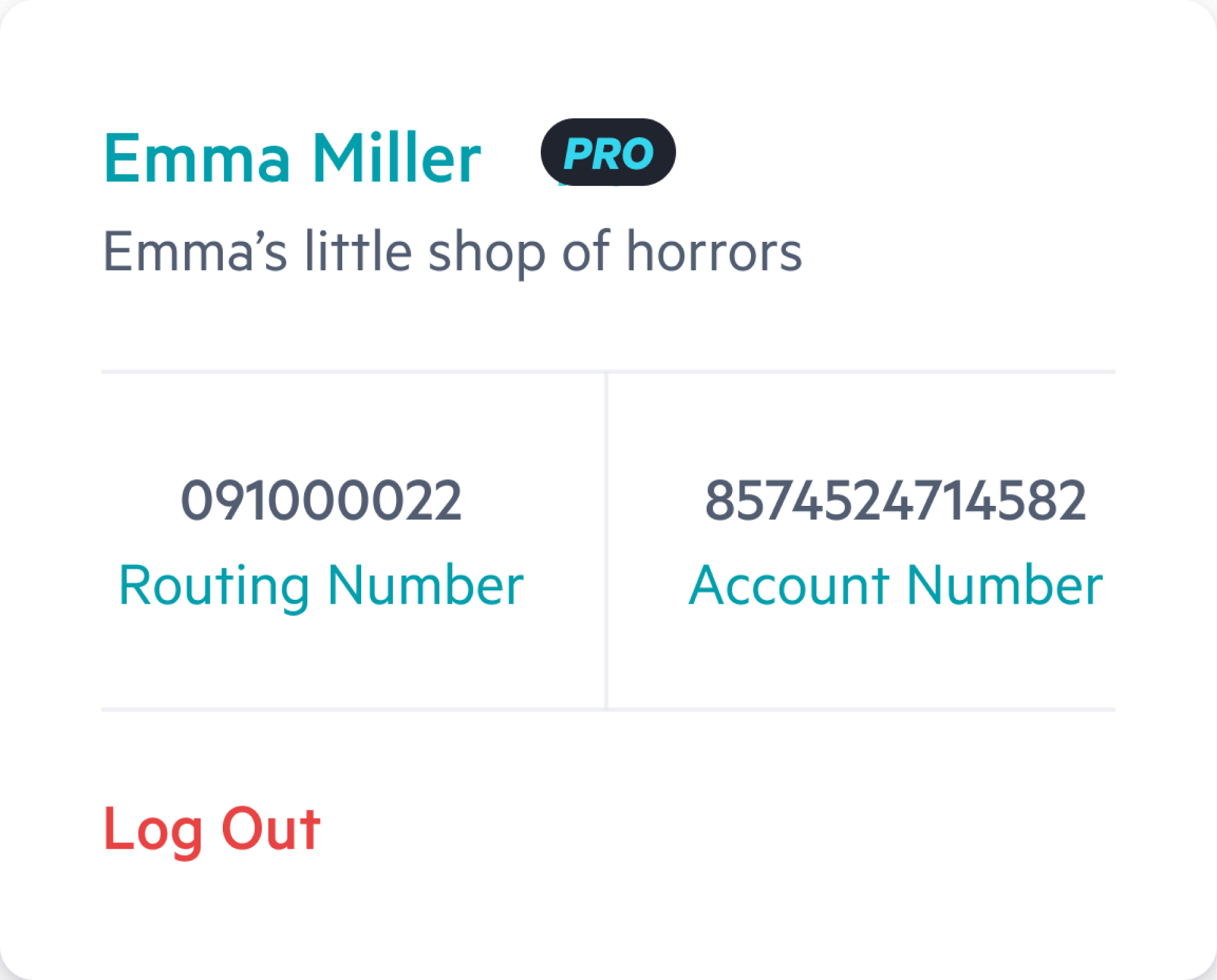
Personal User Menu
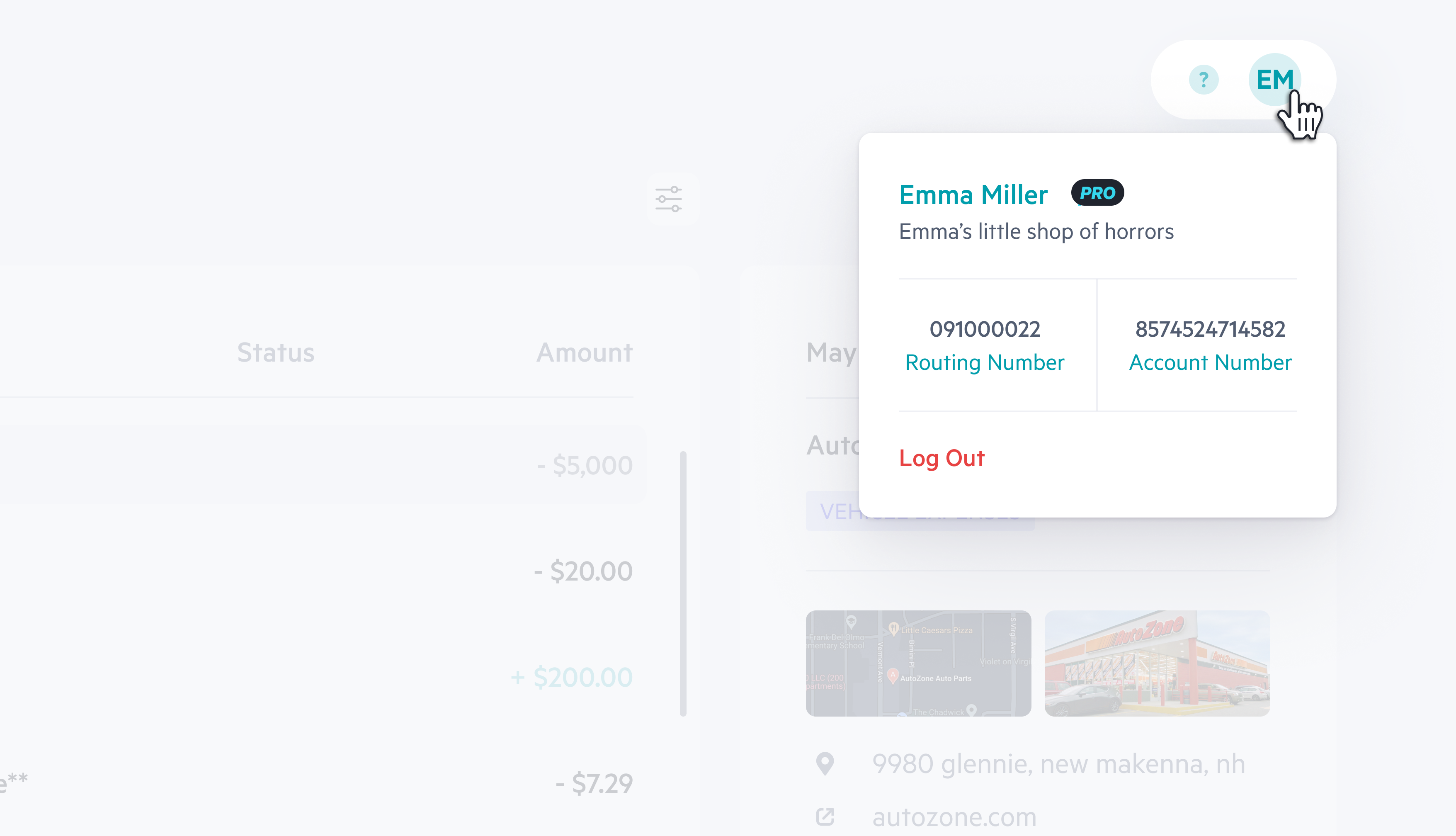
The personal menu is a feature accessible to users where they can view their personal details, as well as the option to log out of the system.
This menu provides an easy and convenient way for users to access and manage their account information.

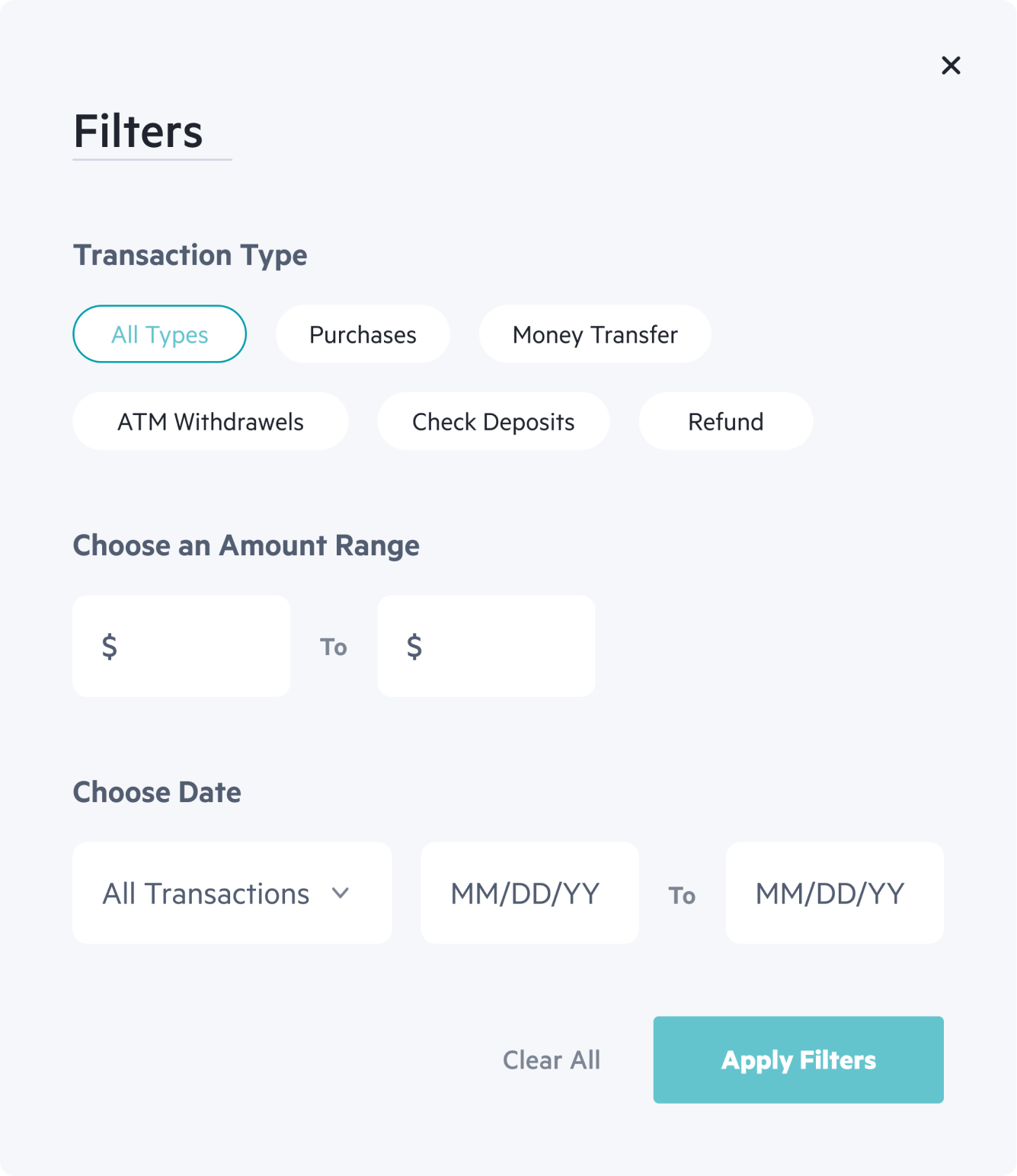
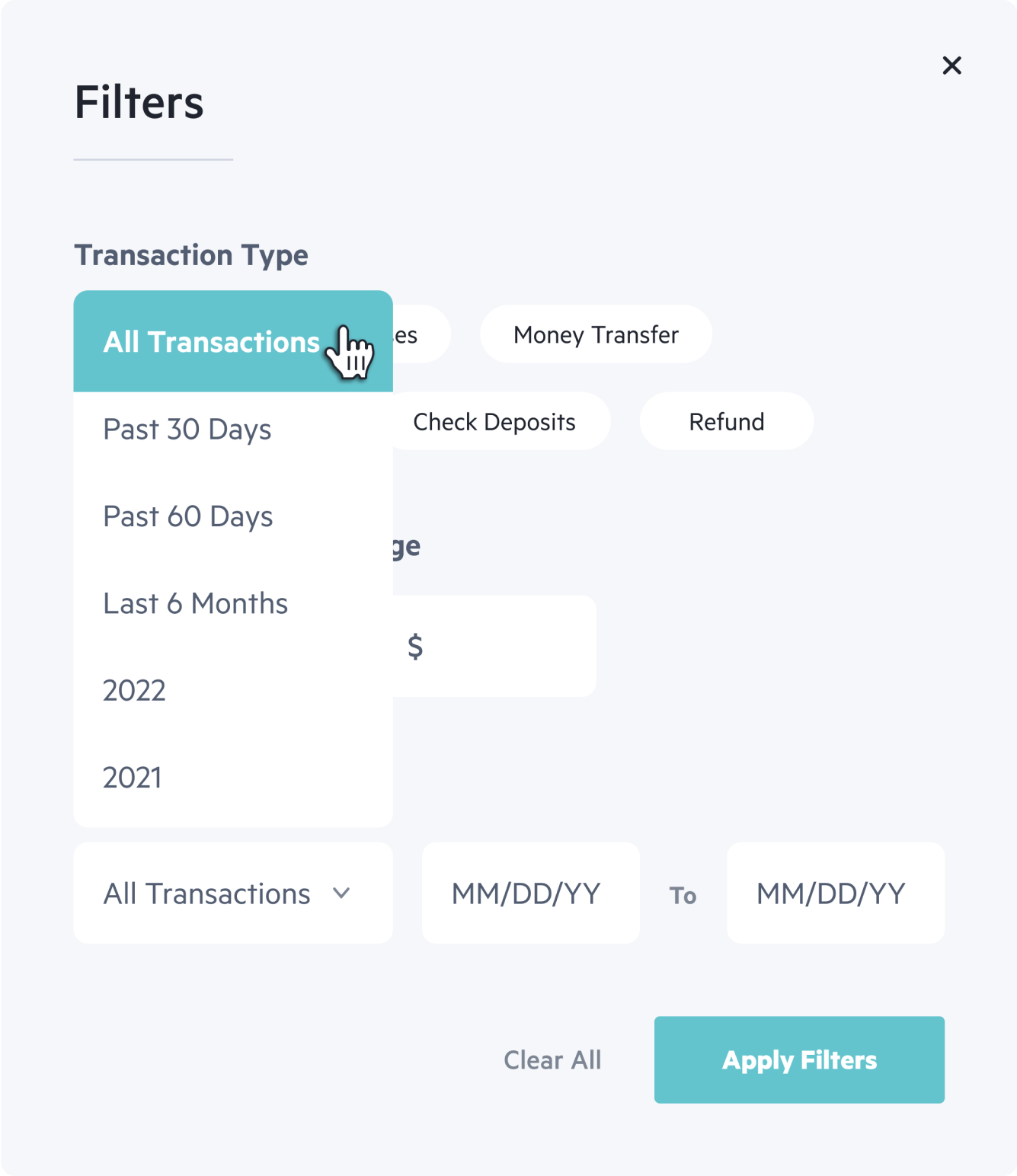
Transactions Filters
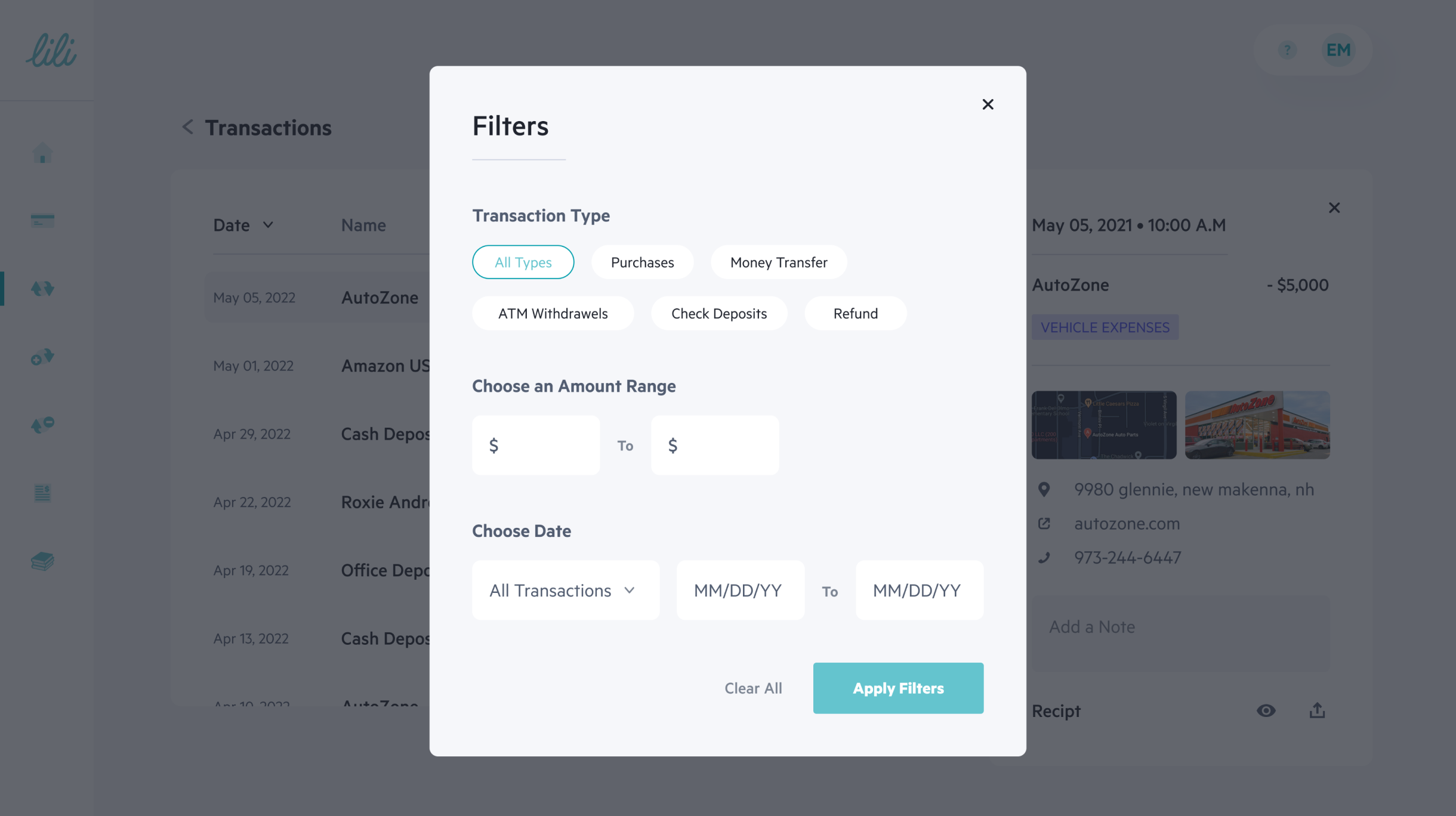
This modal allows users to filter their transactions, making it easier to find specific transactions.

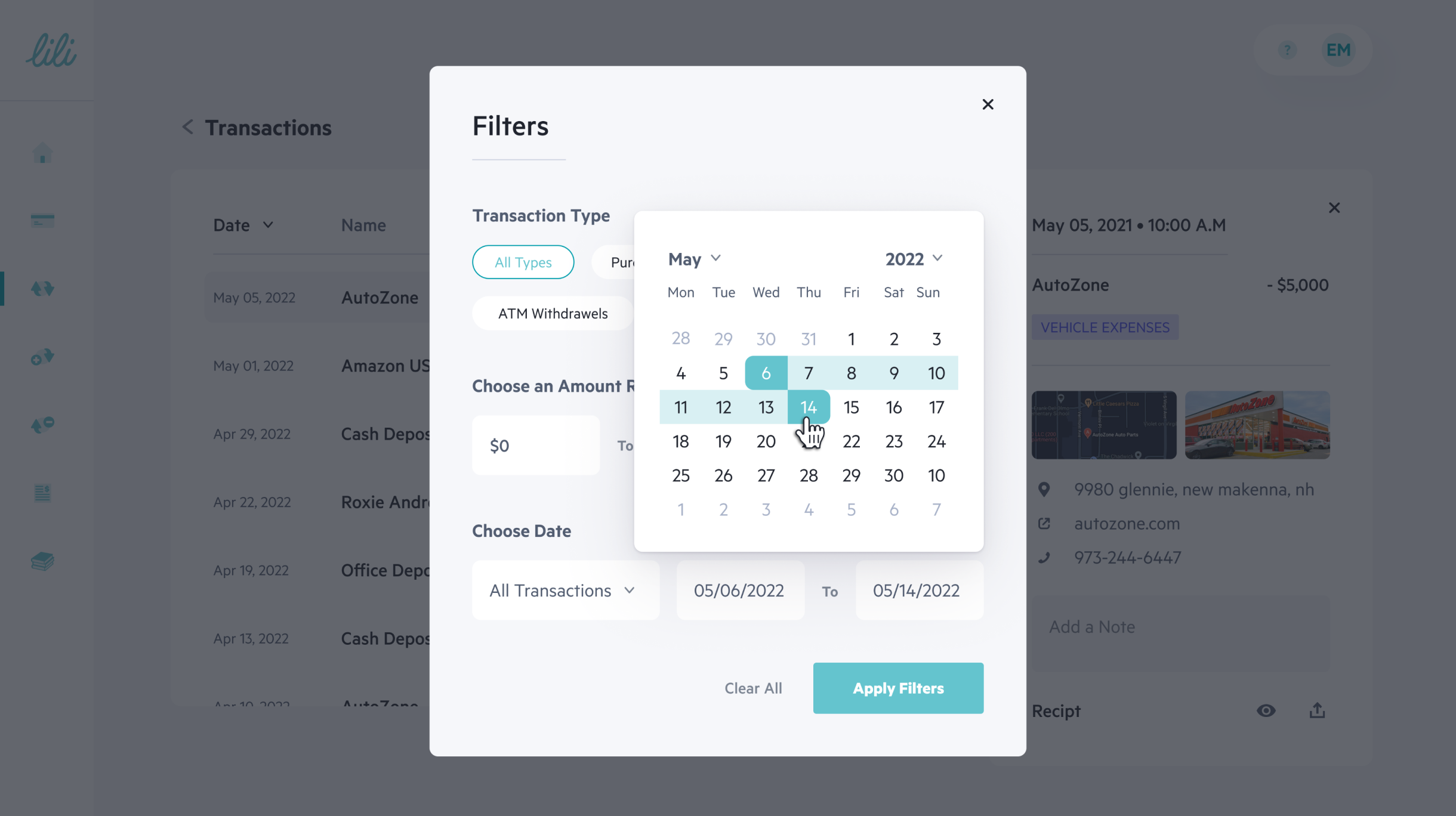
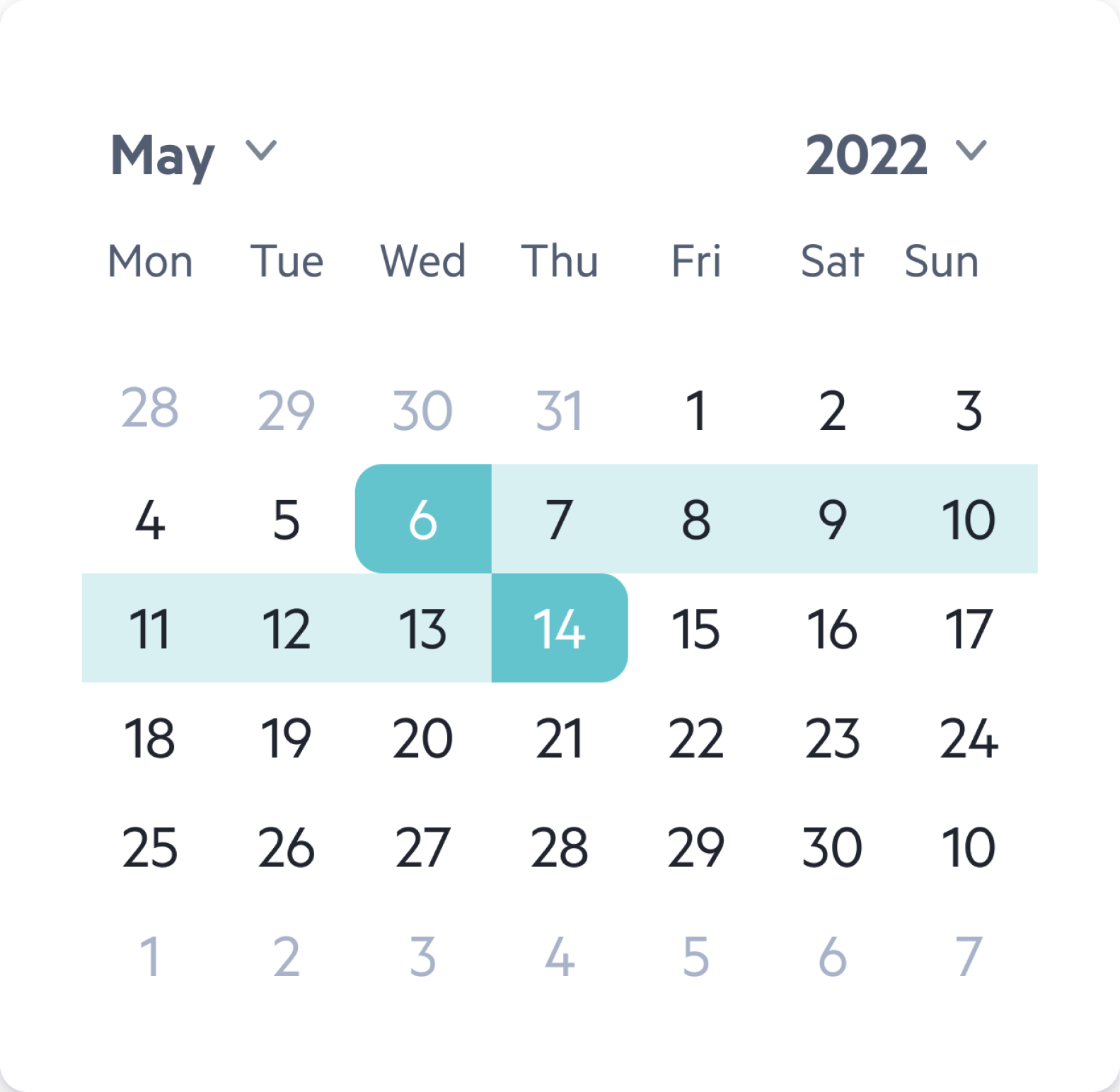
Transactions - Calendar Filter

The calendar feature on the transactions screen enables users to filter their transactions by a specific date, allowing them to easily view and organize their financial data.

Next Steps

After the launch, we wanted to make sure that the web app is working properly and that our users are enjoying using it so I planned:
1. User interviews with our beta group (±100 users)
2. Set up an Amplitude dashboard with key UX metrics