
Company
Year
My role
Prototype
Platform
Desktop app
Overview
The aim was to update the visual design and user experience and bring Viber up to par , or even surpass, what our competitors are offering.
About Viber
Each month, hundreds of millions of people connect, for free, with their loved ones via messaging, high-quality voice and video calls, and more.
All one-on-one Viber calls and personal chats, and all group chats are protected by built-in end-to-end encryption,
so you can be sure that your conversations are always secure.
Problems
Throughout research, user interviews, and inner company discussions, I found out that our video & audio calls had several issues that impacted retention and adoption.
Dated
Lacked features
Market alignment
Opportunity
Aligning the moon Viber with its competitors by improving its video and audio call features, user interface, and overall experience.
My perspective
My primary focus was to enhance the user experience for our video and audio calls by simplifying and streamlining the process from start to finish. Additionally, I aimed to improve the visual design of the user interface to make it more visually appealing and consistent with the overall Viber experience.
Ultimately, my goal was to align our video and audio calls with industry standards, ensuring that the feature is intuitive and easy to use for all users, both existing and new.
What was added?
The following features had the most impact per data usage and customer interviews.
Also, we noticed that users who used those specific features a lot increased their overall DAU.
Grid view
users to view up to 8 participants simultaneously, providing the flexibility to switch between the 'Speaker view' and the 'Grid view' as desired. This new feature aligns us with our competitors and improves the overall user experience of our video calls.
It also led to a 15% increase in usage of our video calls.
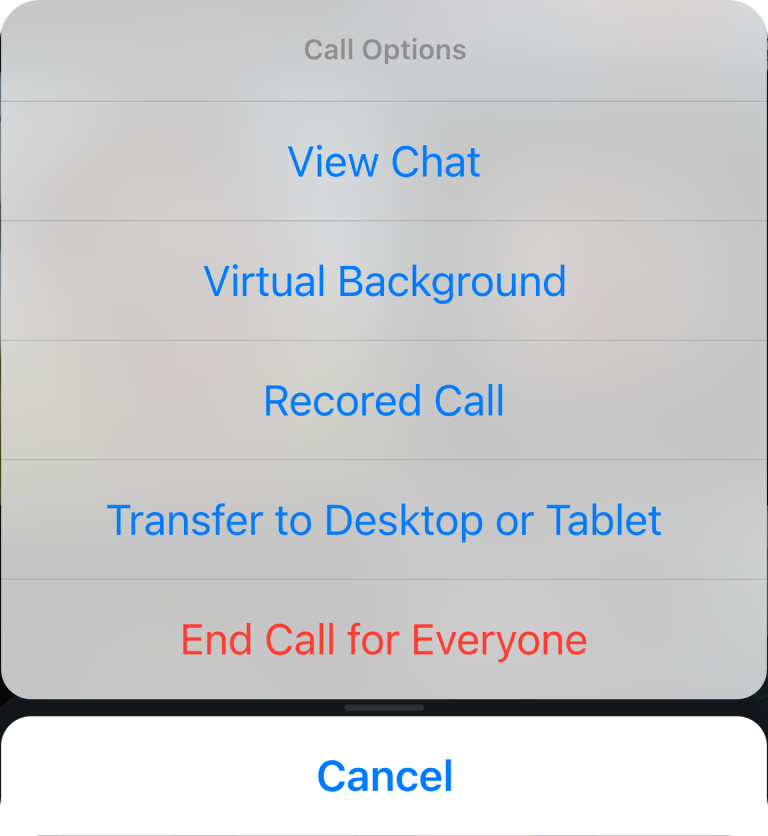
Virtual Background
Covid-19, we added a virtual background feature that allows users to replace or blur their real background during calls.
Re-dialing
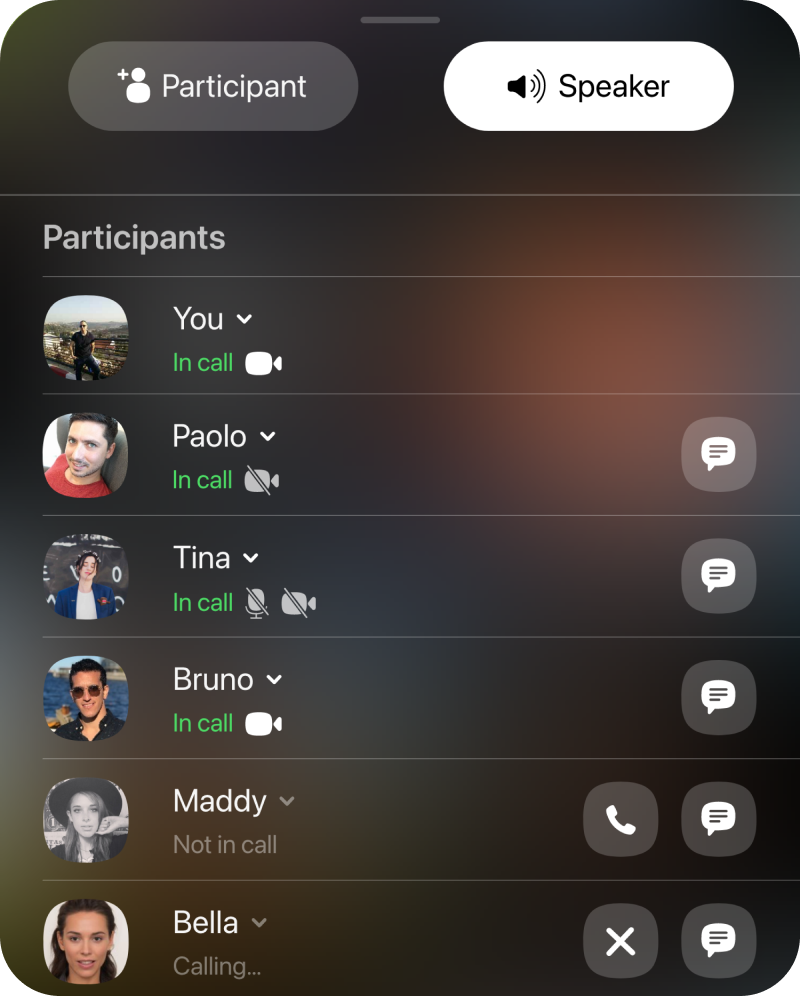
This feature allows users to continue their video/audio calls smoothly without having to disconnect and start the call again to add missing participants.
The final design
Grid View - Desktop App
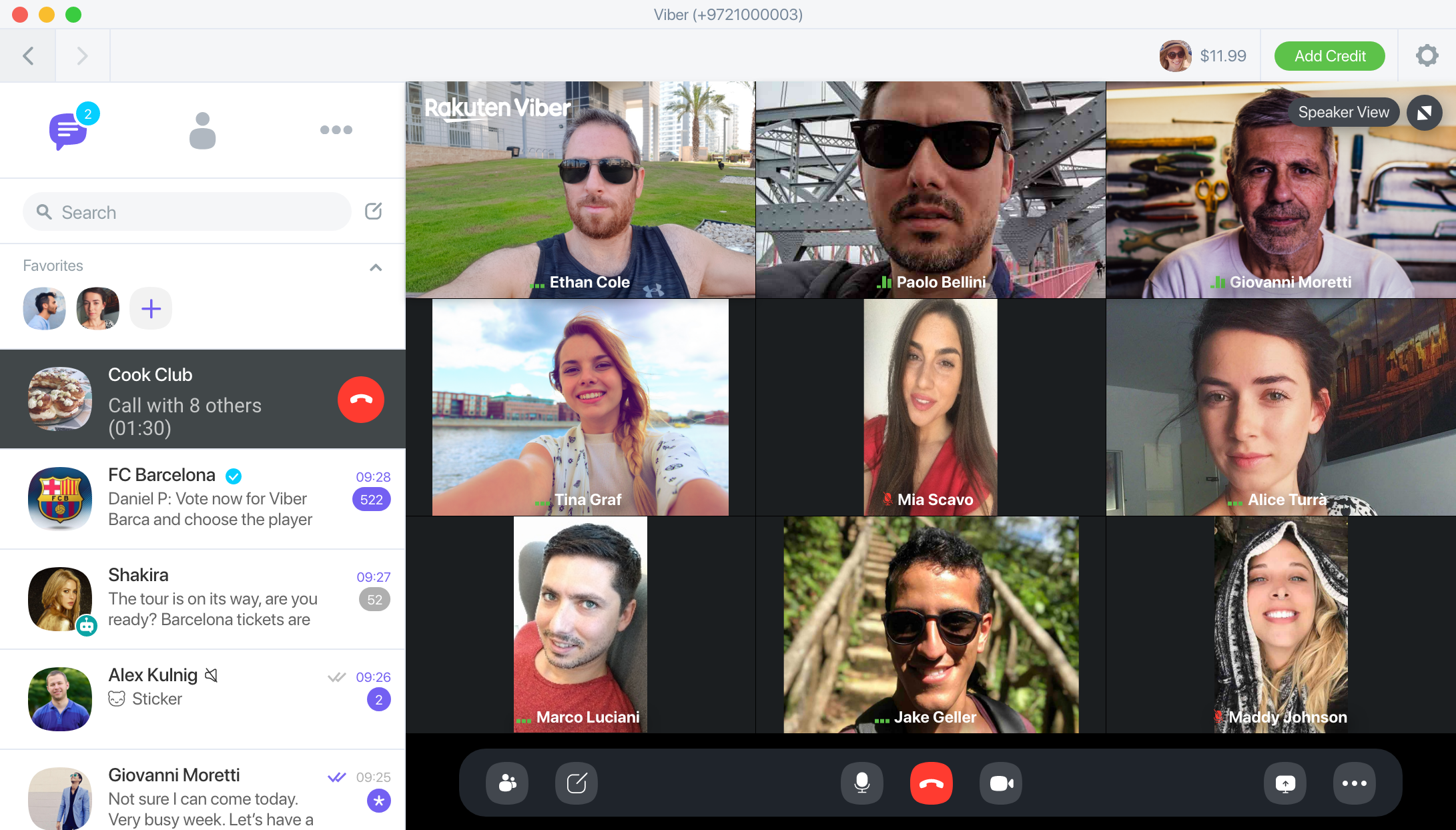
This is a group video call on Viber, featuring the new 'Grid View' option which allows users to view up to 8 participants on the screen at the same time.
User is Muted
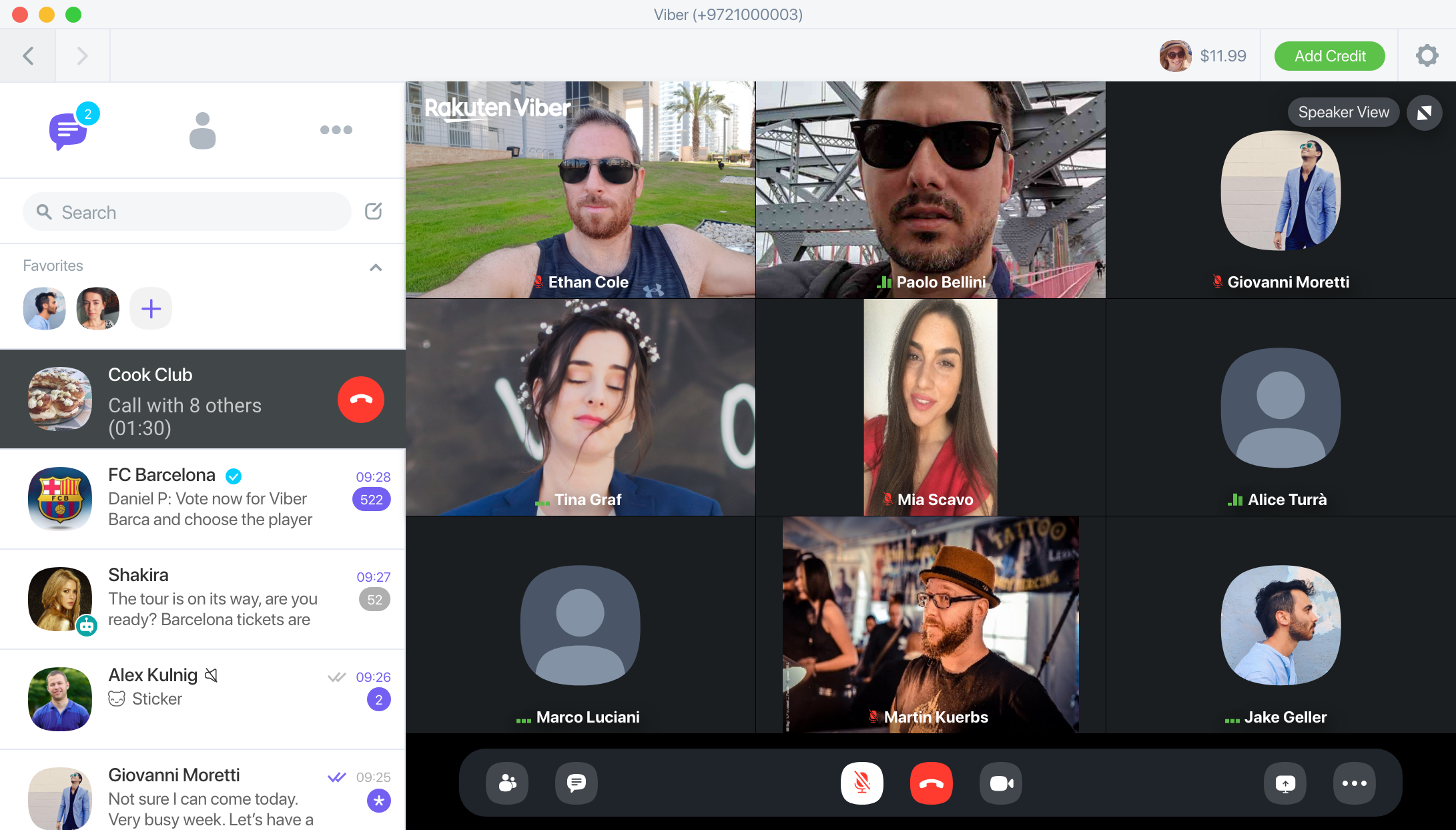
Mute Indication

Mute Indication - Minimized Window
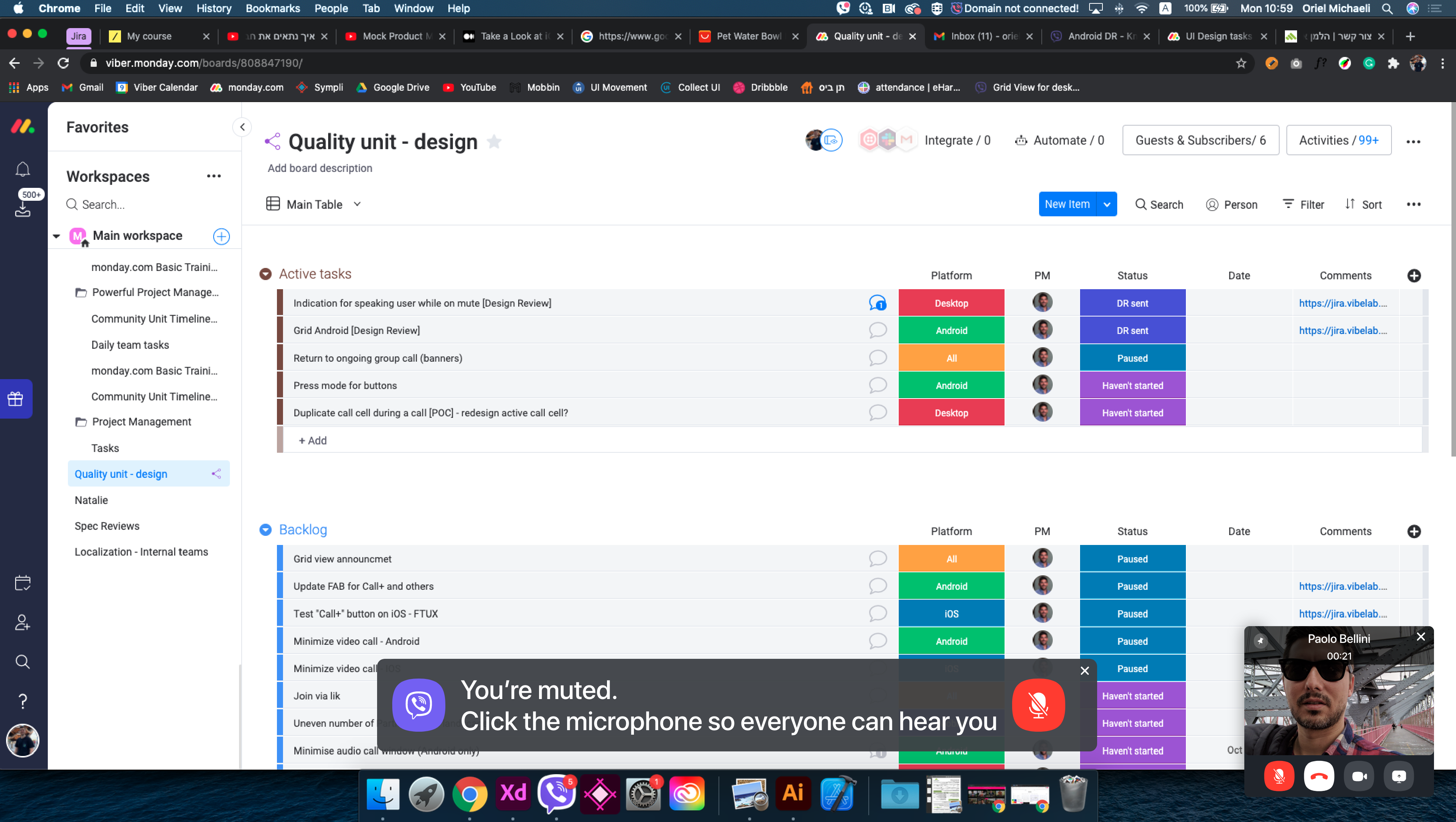
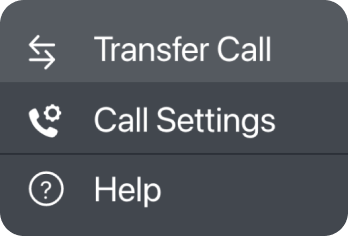
Transferring Call to Phone

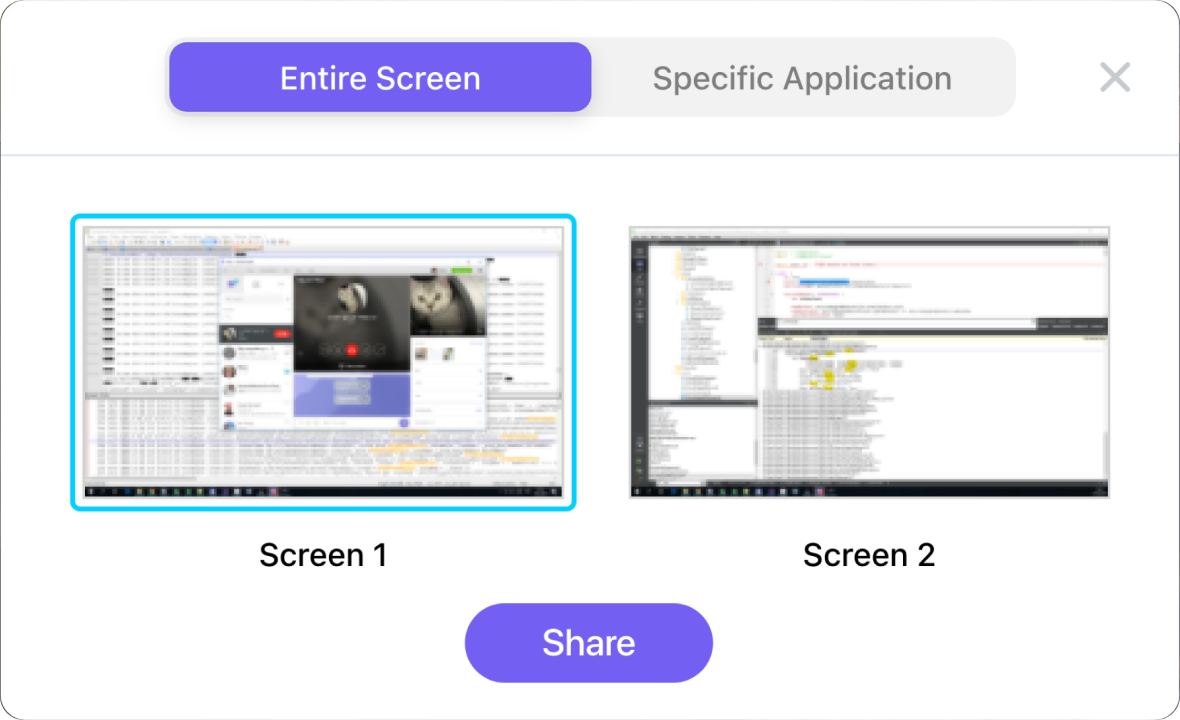
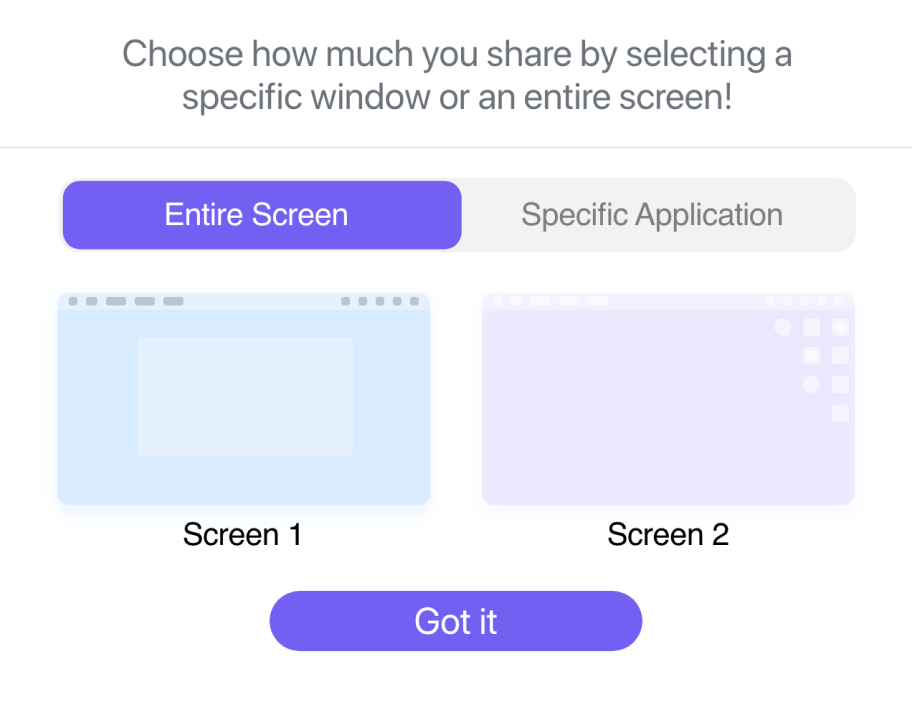
Screen Sharing Modal
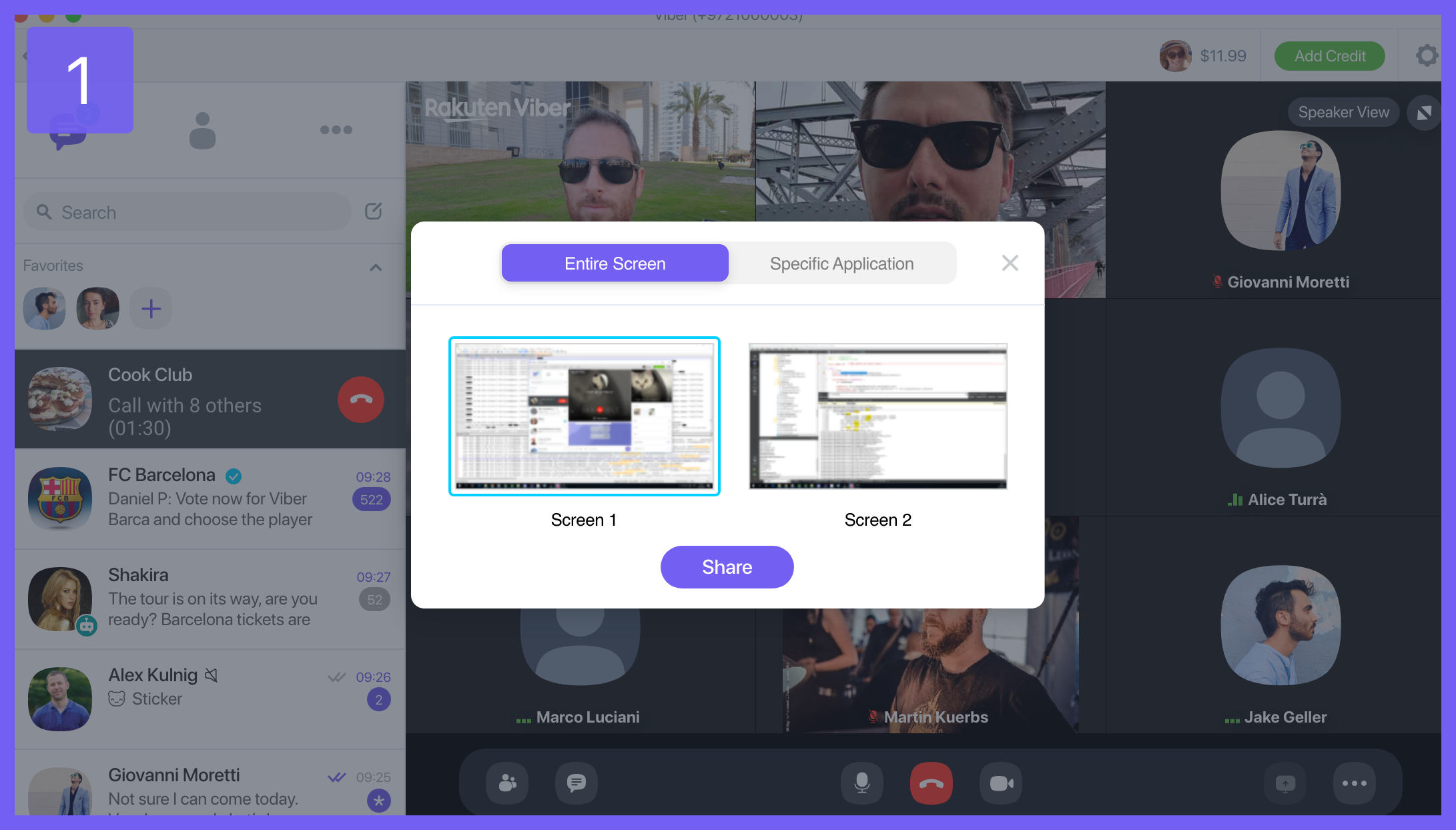
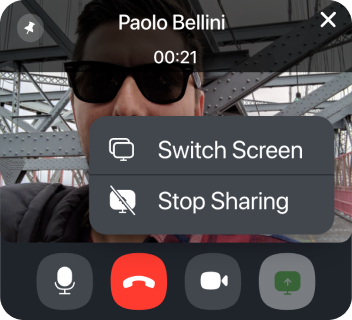
The new 'Share Screen' feature has been improved to allow users to preview the screen they wish to share before starting the sharing process. Additionally, users can now share specific applications rather than their entire screen, providing a smoother and more private experience.
Grid View - Mobile App

4 Participants

Bottom Drawer Open

Options Menu Open

Next Steps
After we launched we had several areas to tackle:
1. An immediate round of feedback and user interviews with our beta users.
2. Continuing interviewing users to figure out what's still missing.
3. Making sure that the video streaming quality isn't poorly impacted due to increased usage
(Something that our engineers warned us about)
4. Starting to work on a virtual lobby where users can check their cameras and microphones
before joining a call.